
Protect PDF
Protect PDF secures sensitive PDF files by applying password protection. It helps you control who can open a document and reduces the risk of unauthorized access when sharing confidential information.
Overview
Protect PDF
Protect PDF is designed to secure sensitive PDF documents by adding password protection before they are shared or stored.
It is useful when you need to restrict access to confidential, commercial, or personal information contained in a PDF.
By protecting a PDF with a password, you can ensure that only recipients with the correct password can open the file.
This feature supports safer document sharing via email, cloud links, or messaging where files may be forwarded unintentionally.
It also helps teams enforce basic document handling practices for sensitive materials such as contracts, reports, invoices, or client records.
Protect PDF can be used before sending files externally, archiving important documents, or distributing internal documents to a limited audience.
Applying password protection adds an extra layer of security without changing the content or layout of the original document.
The result is a PDF that remains readable and shareable while offering improved control over access.
This makes it a practical option for individuals and organizations that regularly handle private documents.
Screenshots
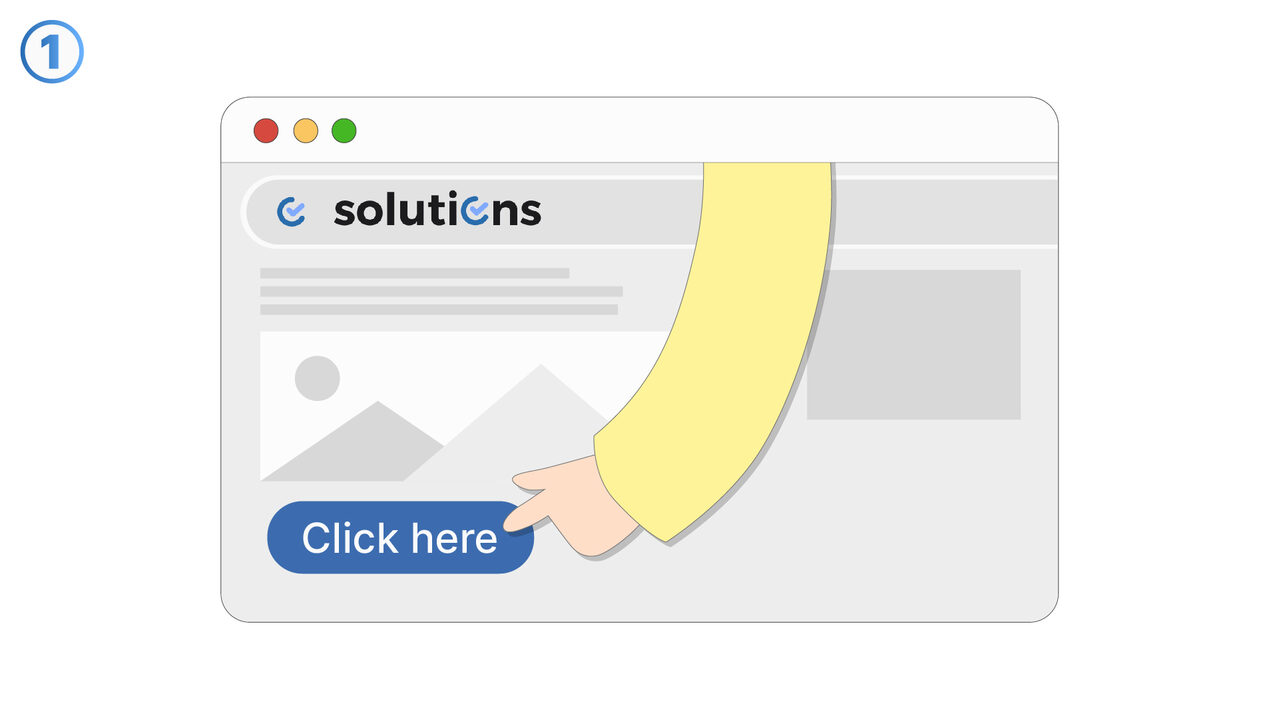
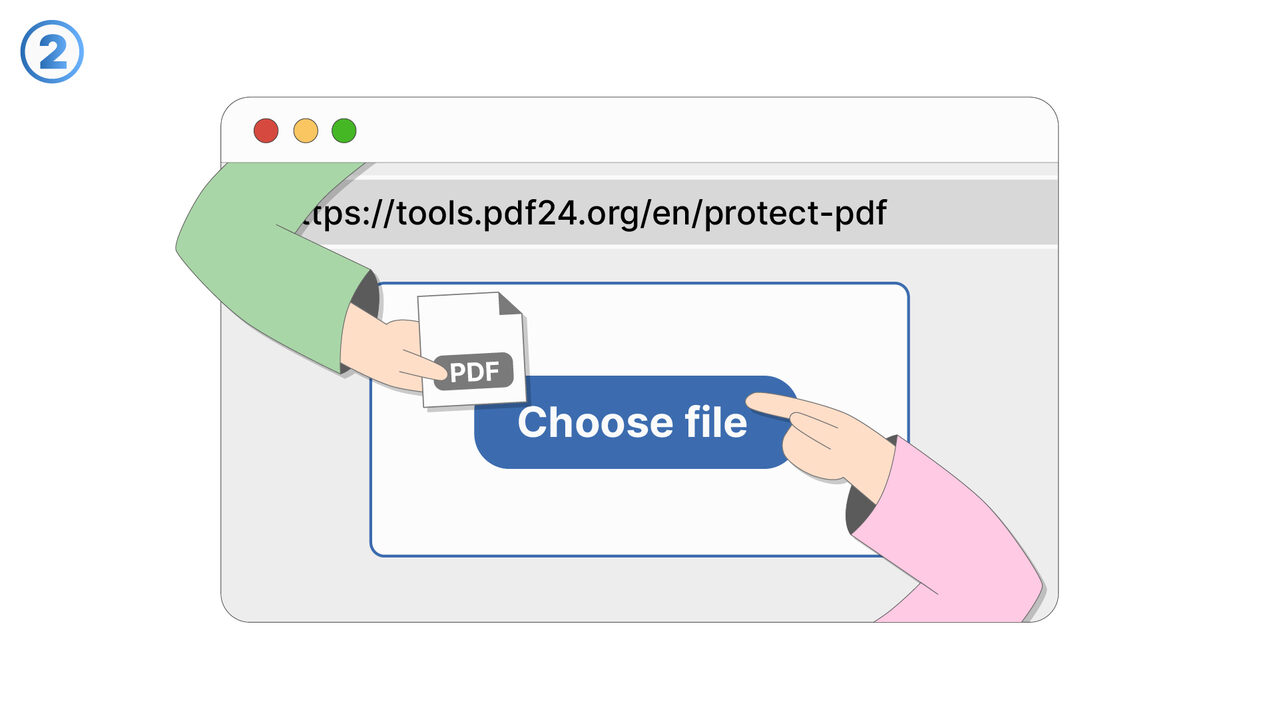
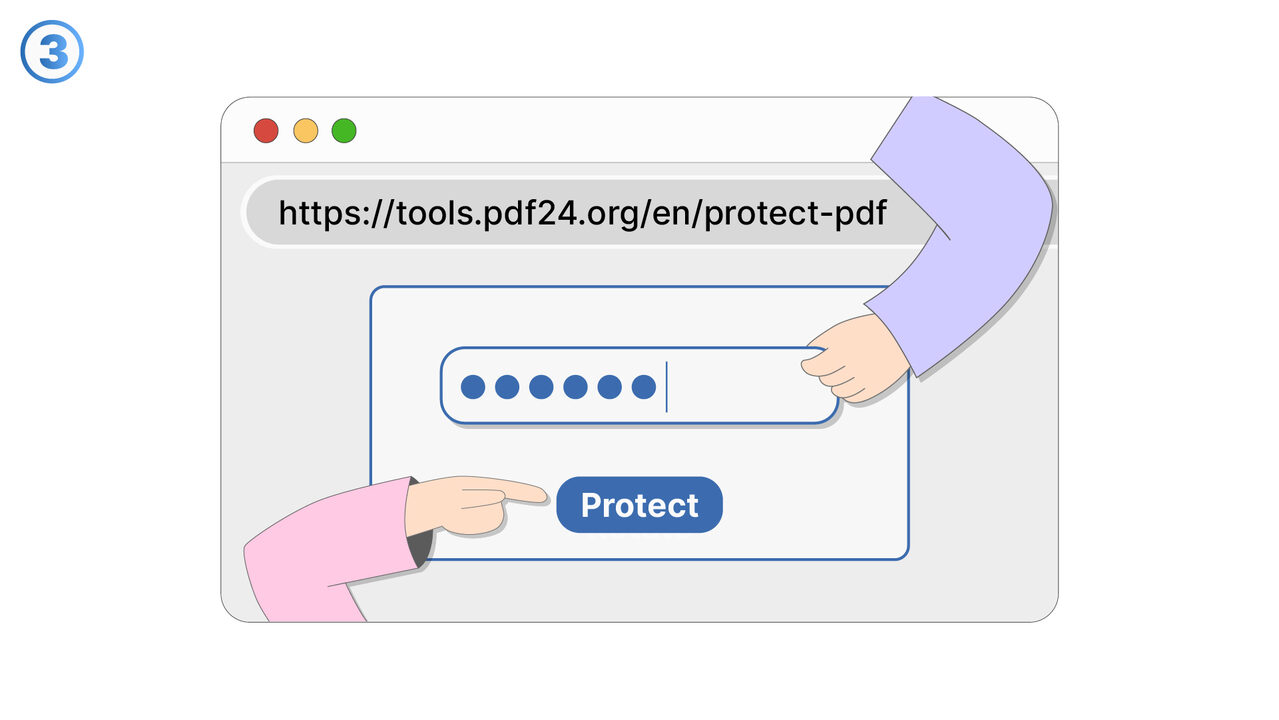
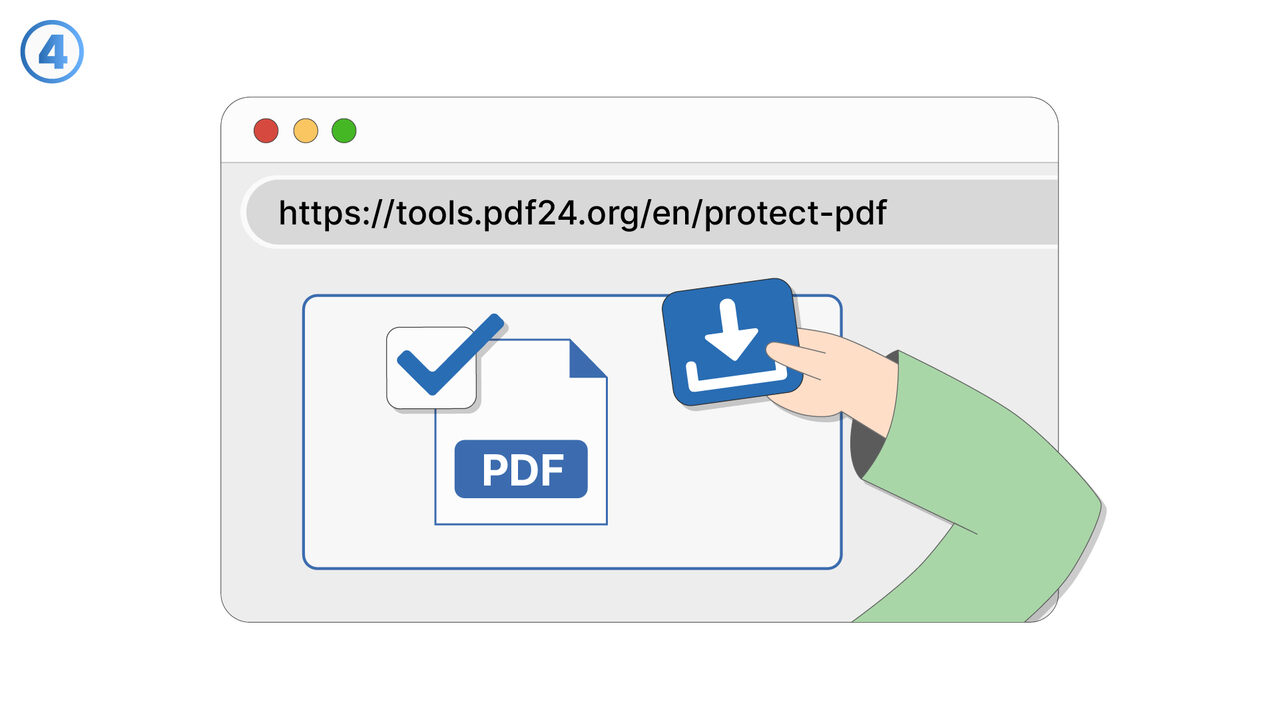
Try it
Link To Tool
Find the solution to your problem via the following link.
External Resource
https://cross-service-solutions.com/
Opens in a new tab — external site not affiliated with MangoByte
Use this tool as a solution to the following problems
- I need to share a PDF but I do not want anyone who receives the link or email to open it without permission.
- I worry that a confidential PDF could be forwarded to someone else and accessed without my knowledge.
- I need a simple way to protect personal documents like statements or IDs before sending them online.
- I want to control access to commercial documents such as quotes or contracts when sharing them with clients.
- I need to add password protection to PDFs before uploading them to shared drives or cloud storage.
- I do not have an easy way to secure PDFs when collaborating with people outside my organization.
- I want to reduce the risk of unauthorized access if a sensitive PDF is stored on a device that could be lost or shared.
- I need a consistent way to apply protection to PDFs so that confidential information is not exposed accidentally.
Know a better solution? Let us know.
If you know of a tool or approach that could help people solve a problem we haven't covered yet, we'd love to hear about it.