
Flatten PDF
Flatten PDF converts each page into a fixed, visual representation and rebuilds the file as a new PDF. This removes editable and active elements to help ensure consistent viewing, printing, and sharing across devices and PDF readers.
Overview
Flatten PDF
Flatten PDF turns every page of a document into a static visual layer and creates a new PDF from those rendered pages.
By doing so, it removes interactive or changeable elements such as editable form fields, scripts, annotations, and other active content.
The goal is to make the document behave like a finalized version that looks the same when opened in different PDF viewers.
This is useful when you need to prevent downstream edits or avoid compatibility issues caused by interactive features.
Flattening can also simplify workflows where recipients should only view, print, or archive the document without modifying it.
Use this feature before distributing finalized forms, contracts, reports, or submissions to external systems that may not support advanced PDF features.
It helps reduce unexpected formatting or behavior changes introduced by unsupported scripts or annotations.
The resulting PDF is better suited for consistent printing and long-term retention where document stability is important.
It is also helpful when you want to remove active elements that could interfere with automated processing or review.
Screenshots
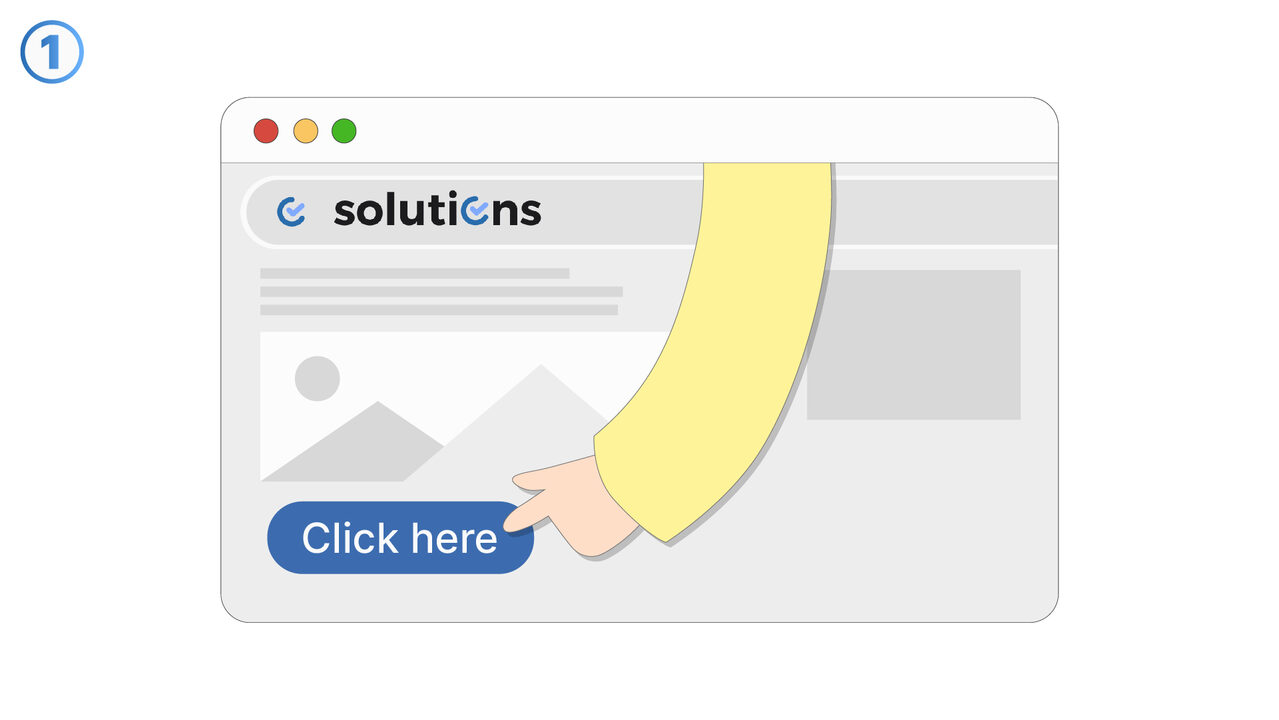
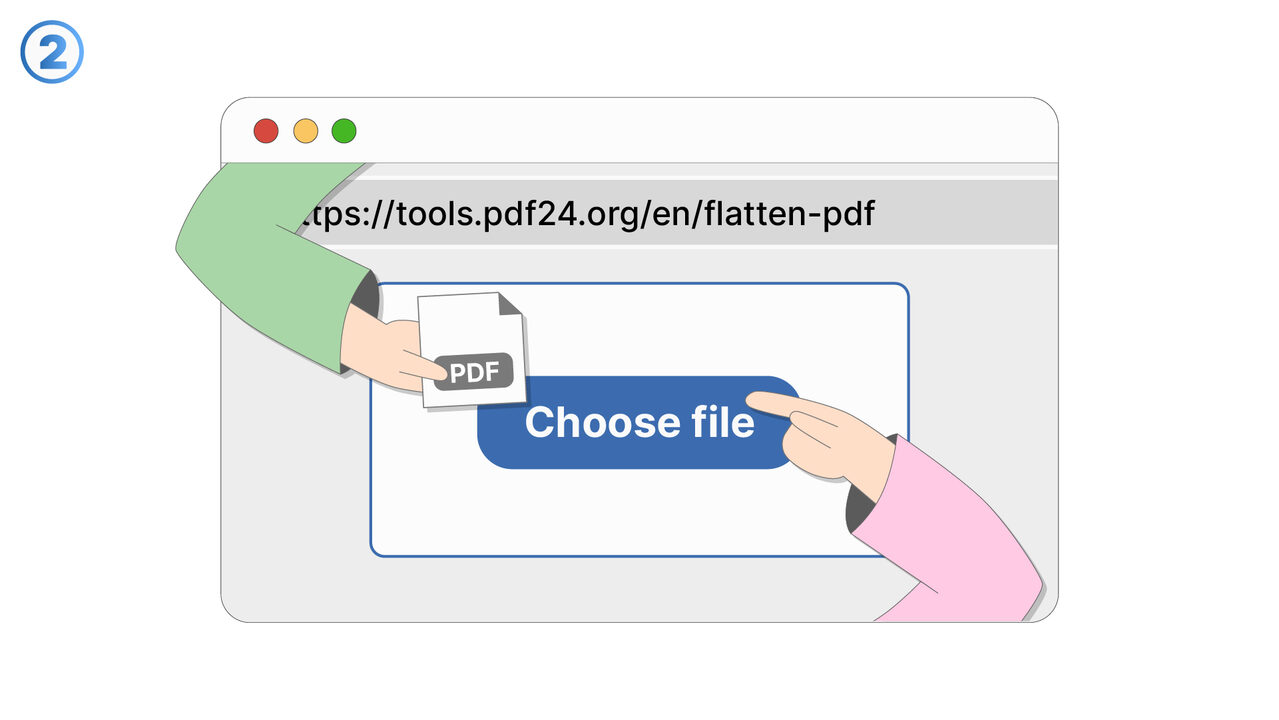
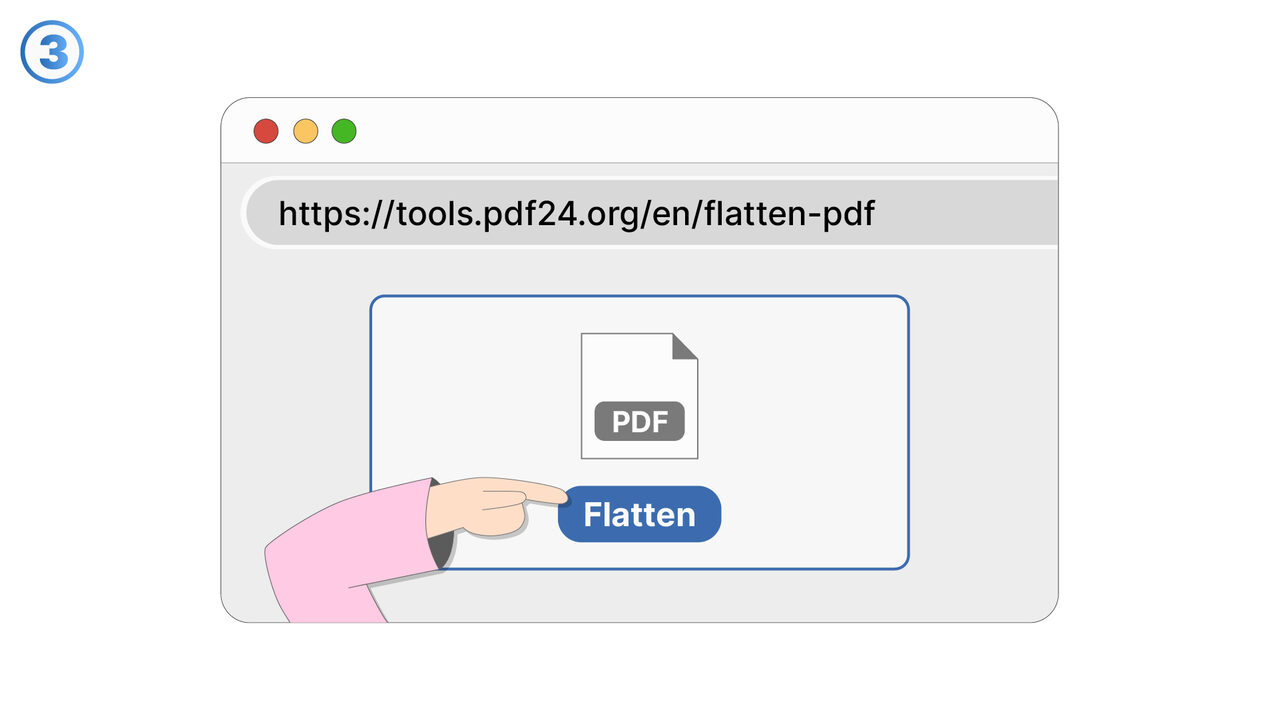
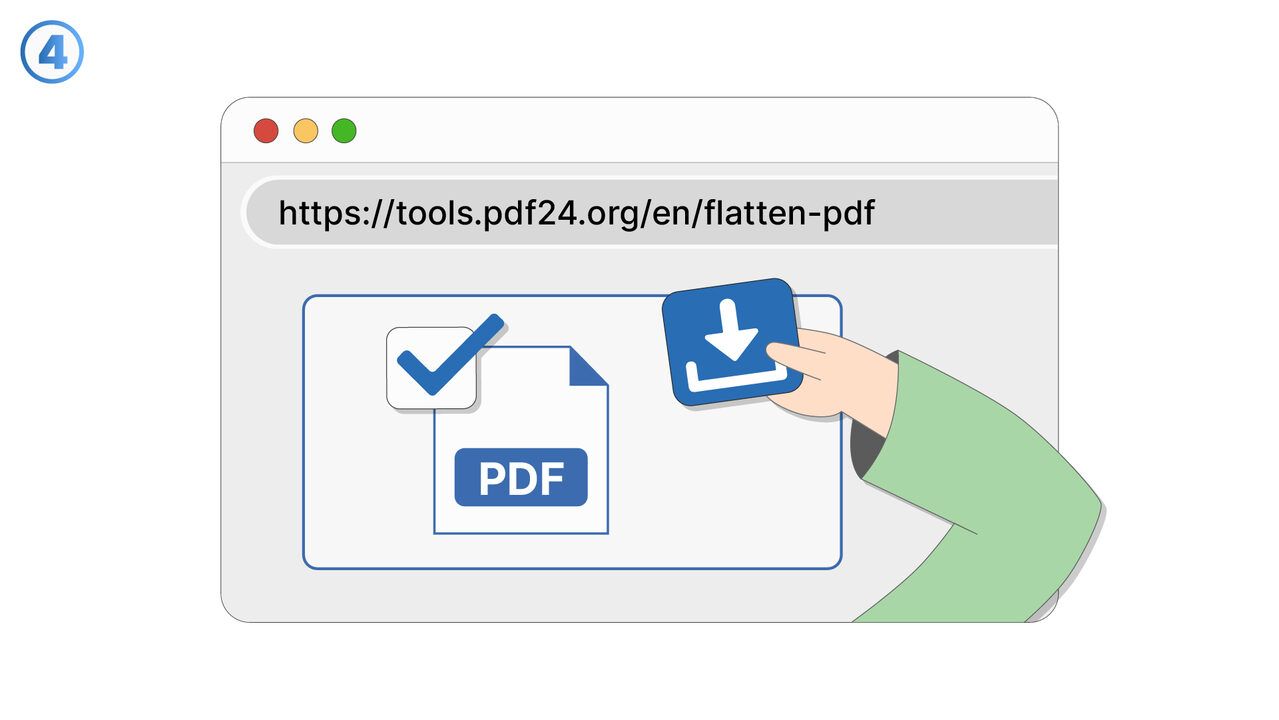
Try it
Link To Tool
Find the solution to your problem via the following link.
External Resource
https://cross-service-solutions.com/
Opens in a new tab — external site not affiliated with MangoByte
Use this tool as a solution to the following problems
- I need to send a PDF, but I don’t want recipients to edit the form fields or change the content.
- I’m seeing different results in different PDF viewers, and I need the document to look the same everywhere.
- I have a PDF with scripts or active elements that cause errors, and I need a stable version for sharing.
- I want to remove annotations and markup before distributing a finalized copy to clients.
- I’m submitting a PDF to a system that rejects interactive PDFs, and I need a compatible file.
- I need a PDF that prints reliably without unexpected pop-ups, field highlights, or viewer-specific behavior.
- I’m archiving documents and want a fixed representation that won’t change over time or across software updates.
- I need to prevent accidental edits to filled-in forms after they’ve been completed and approved.
- I want to eliminate active elements that could interfere with review, approval, or downstream processing.
Know a better solution? Let us know.
If you know of a tool or approach that could help people solve a problem we haven't covered yet, we'd love to hear about it.