
I’m submitting a PDF to a system that rejects interactive PDFs, and I need a compatible file.
Solved by Flatten PDF
The Problem
This feature helps you create a compatible, non-interactive PDF for systems that reject interactive elements. It ensures your document can be accepted by converting or removing interactive components while preserving the content’s readability.
Screenshots

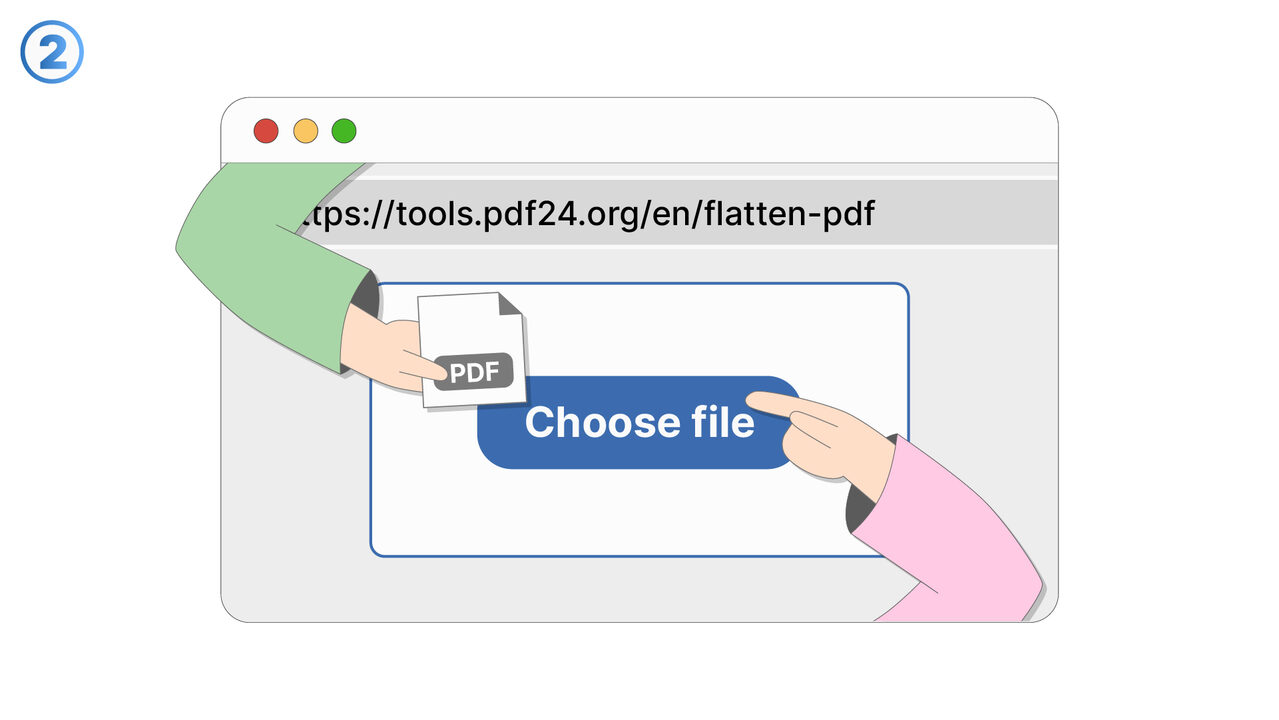
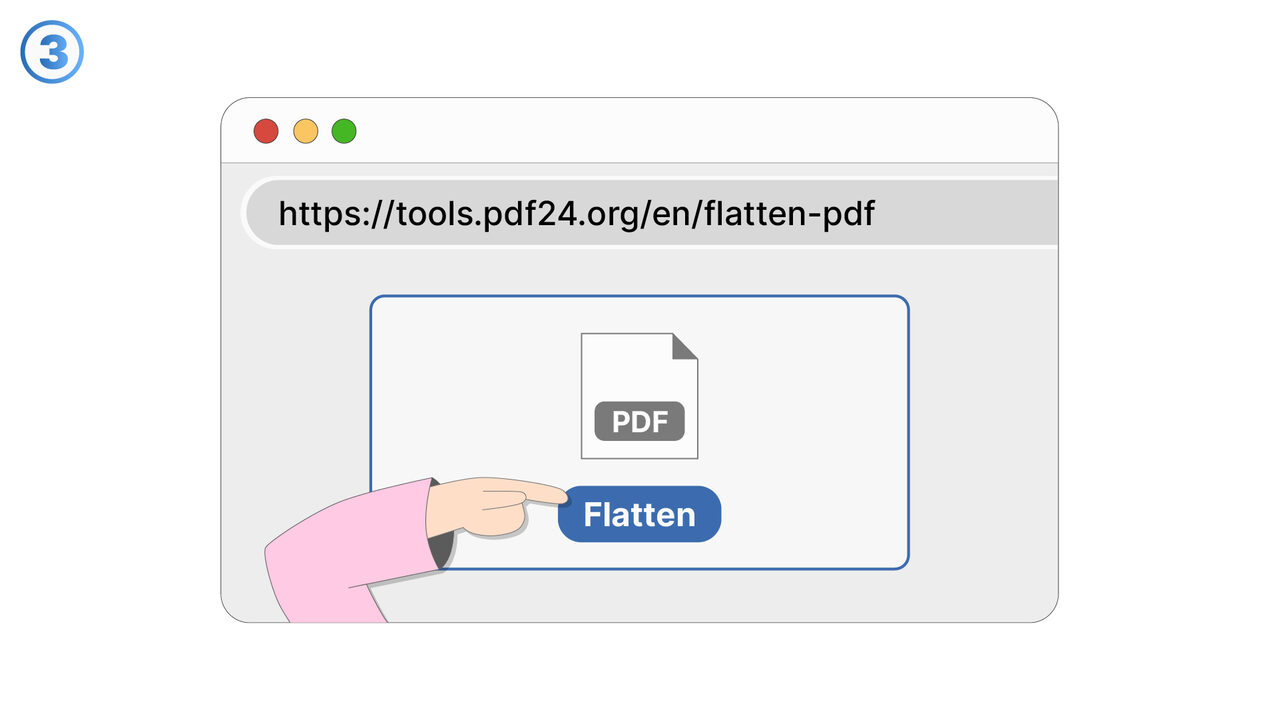
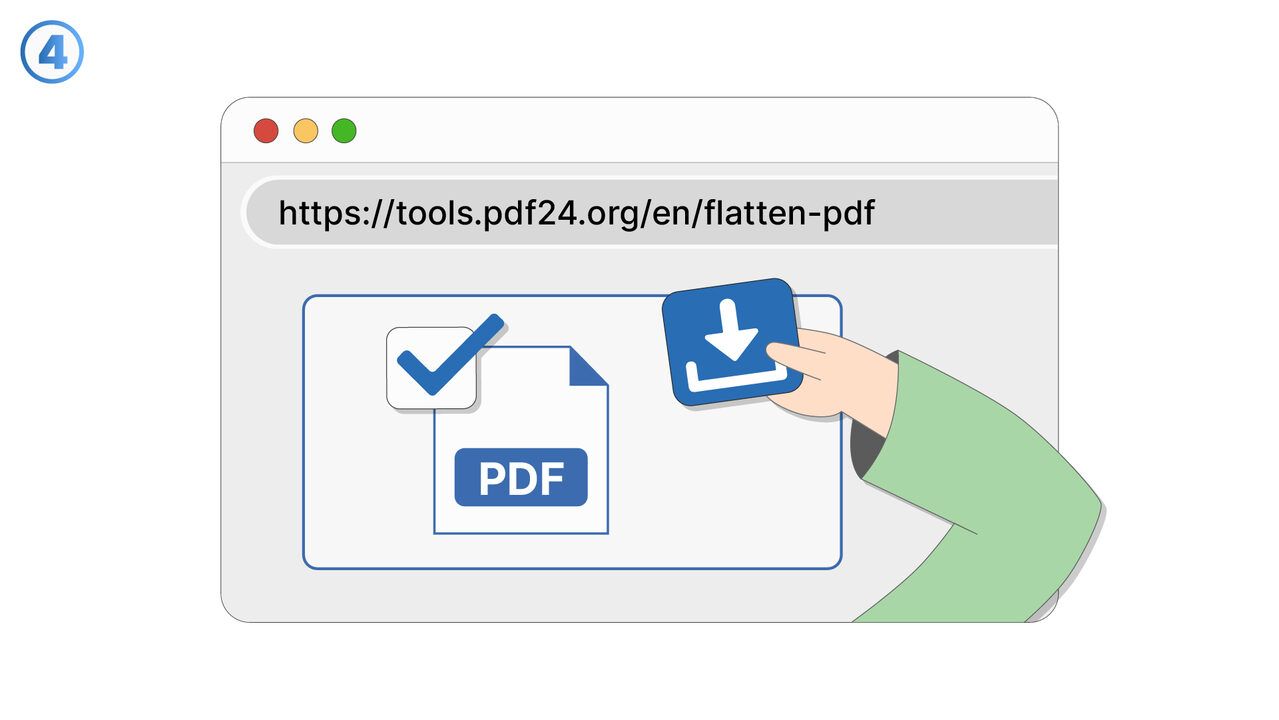
Try it
The Solution
Some submission portals and document-processing systems reject PDFs that contain interactive content such as form fields, embedded media, scripts, or dynamic elements. This feature produces a compatible, non-interactive PDF version that is more likely to meet strict upload requirements. You start by selecting the PDF you plan to submit and choosing an option to generate a flattened or non-interactive output. Interactive elements are removed or converted into static content so the document behaves like a standard PDF when opened or processed. The resulting file is intended to be accepted by systems that only allow basic PDFs and block interactive features for security or consistency reasons. This can be useful for job applications, government or legal submissions, academic portals, expense systems, and vendor onboarding tools. The feature focuses on compatibility while keeping layout and text legible for reviewers. It also reduces the risk of last-minute submission failures caused by PDF validation rules. Use it whenever a portal’s error message mentions “interactive PDFs,” “XFA forms,” “JavaScript,” or similar restrictions, and you need a safer version to upload.
External Resource
https://cross-service-solutions.com/
Use this tool as a solution to the following problems
- I need to send a PDF, but I don’t want recipients to edit the form fields or change the content.
- I’m seeing different results in different PDF viewers, and I need the document to look the same everywhere.
- I have a PDF with scripts or active elements that cause errors, and I need a stable version for sharing.
- I want to remove annotations and markup before distributing a finalized copy to clients.
- I need a PDF that prints reliably without unexpected pop-ups, field highlights, or viewer-specific behavior.
- I’m archiving documents and want a fixed representation that won’t change over time or across software updates.
- I need to prevent accidental edits to filled-in forms after they’ve been completed and approved.
- I want to eliminate active elements that could interfere with review, approval, or downstream processing.
Know a better solution? Let us know.
If you know of a tool or approach that could help people solve a problem we haven't covered yet, we'd love to hear about it.