
I’m seeing different results in different PDF viewers, and I need the document to look the same everywhere.
Solved by Flatten PDF
The Problem
PDFs can render differently across viewers due to differences in font availability, rendering engines, and support for advanced PDF features. This feature helps you produce a PDF that looks consistent across common desktop, browser, and mobile PDF viewers.
Screenshots
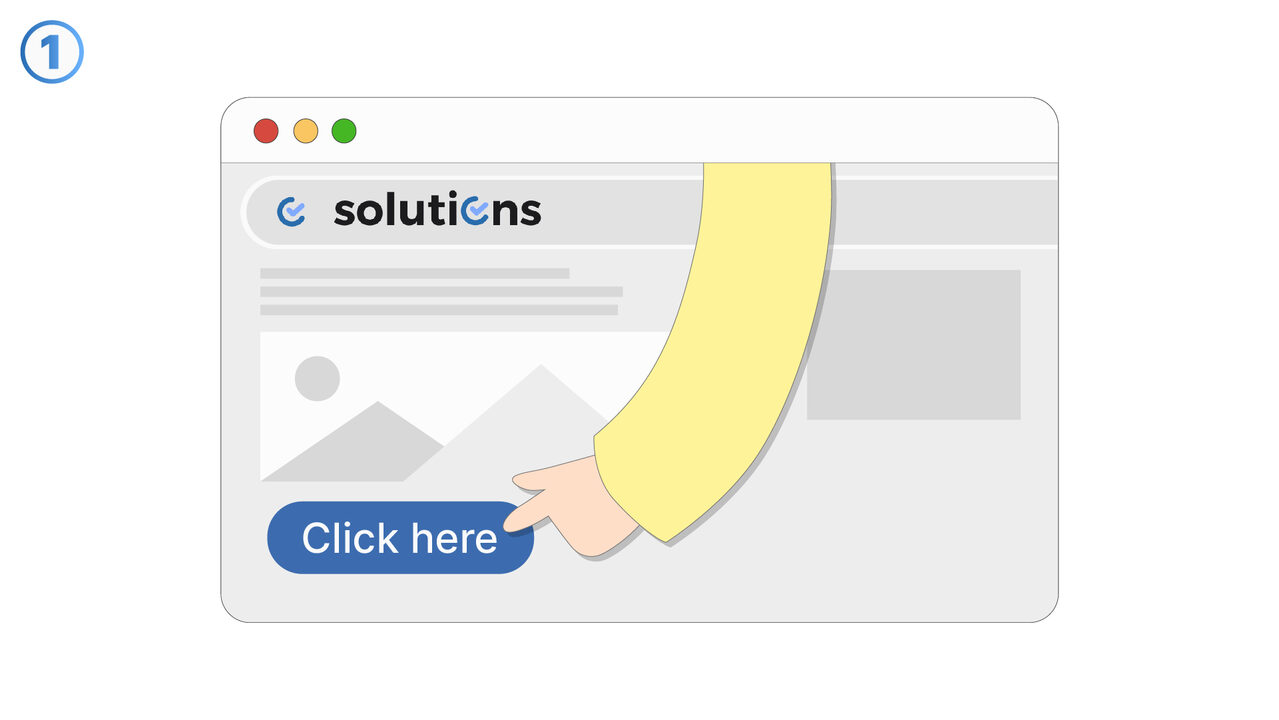
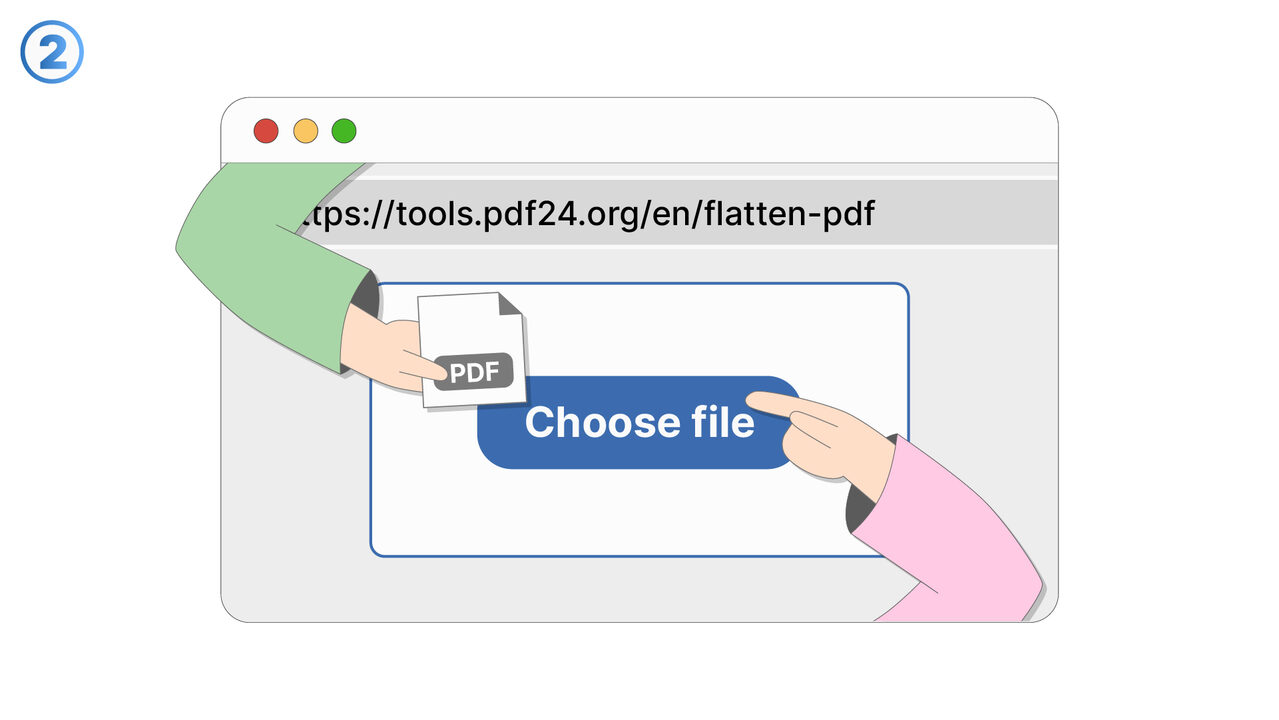
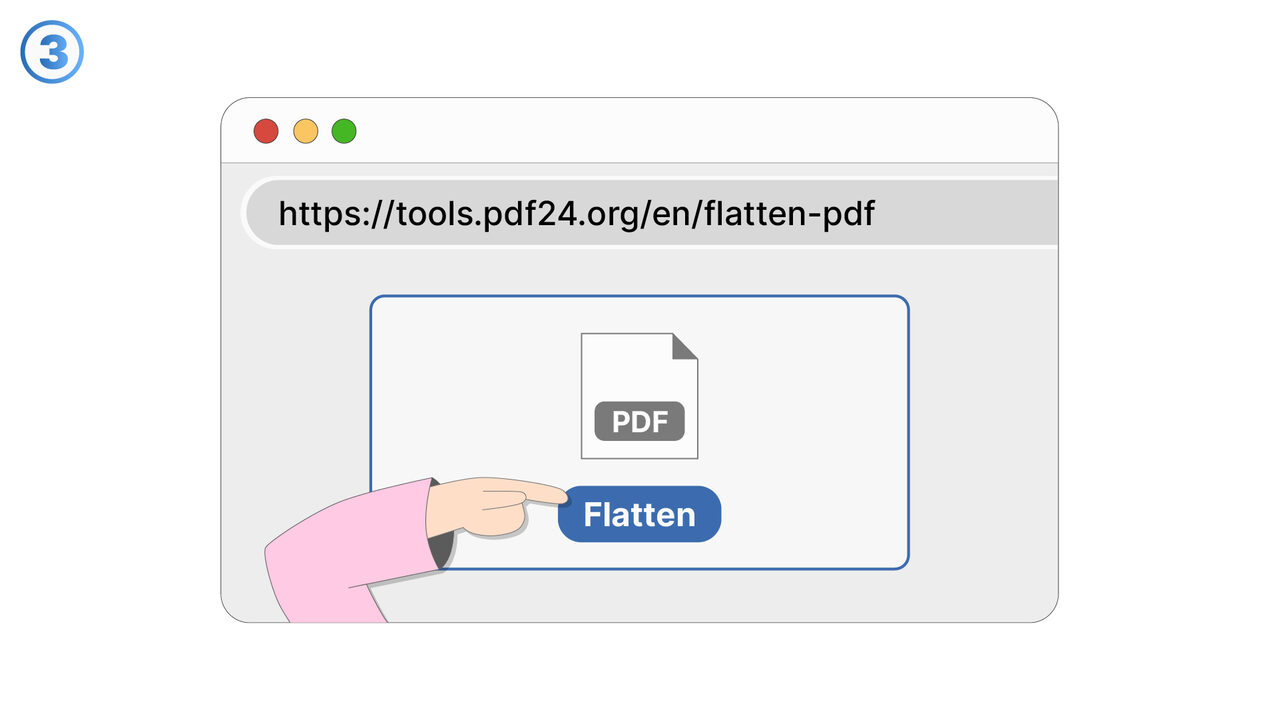
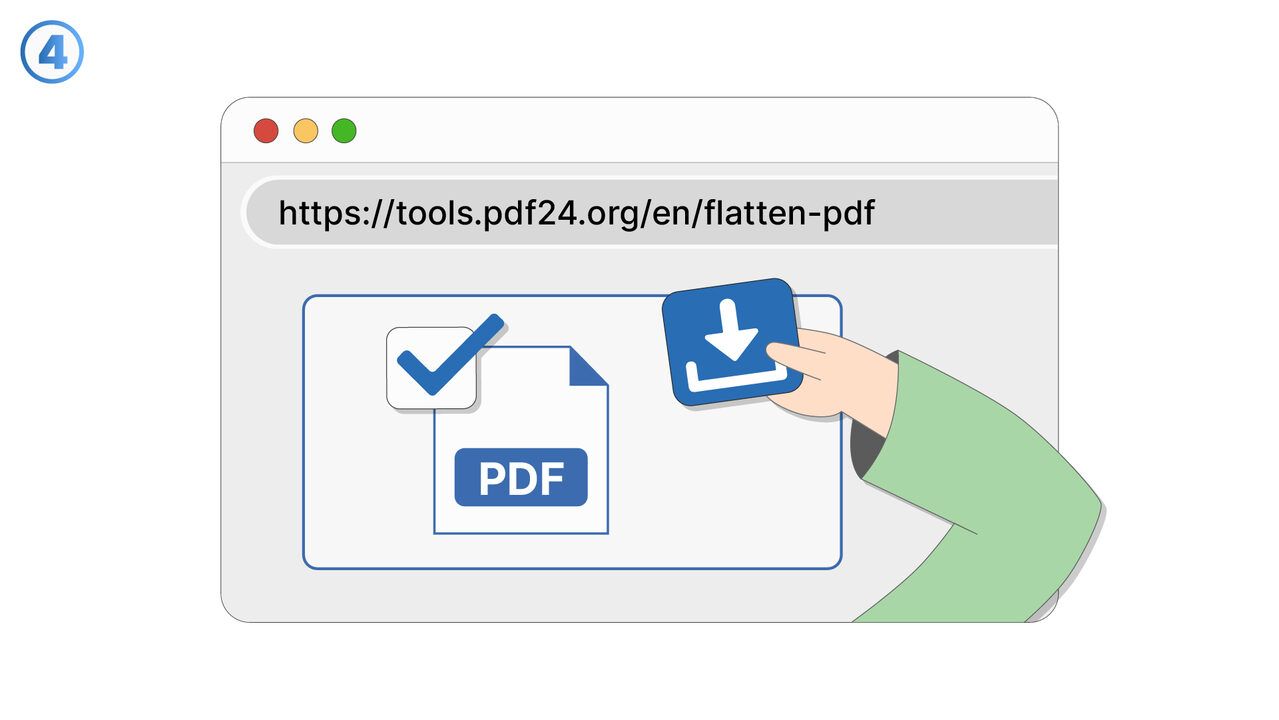
Try it
The Solution
Different PDF viewers may display the same file differently because they handle fonts, transparency, color profiles, and layout rules in slightly different ways. This feature focuses on improving cross-viewer consistency so the document’s layout, text flow, and visual styling stay predictable. It helps you avoid unexpected font substitutions by ensuring fonts are properly included or otherwise handled in a viewer-safe way. It also aims to reduce rendering differences caused by complex effects, such as overlapping transparencies or uncommon blend modes. For print and prepress workflows, it supports producing output that is more reliable when handed off to external parties or print vendors. For internal sharing, it reduces confusion when teammates view the PDF in different apps or on different devices. The feature is useful when documents must match brand guidelines and approved layouts, such as contracts, reports, proposals, or marketing materials. It is also valuable when you need to distribute PDFs widely and cannot control which viewer recipients will use. Overall, it helps you publish PDFs with fewer surprises and less time spent troubleshooting viewer-specific rendering issues.
External Resource
https://cross-service-solutions.com/
Use this tool as a solution to the following problems
- I need to send a PDF, but I don’t want recipients to edit the form fields or change the content.
- I have a PDF with scripts or active elements that cause errors, and I need a stable version for sharing.
- I want to remove annotations and markup before distributing a finalized copy to clients.
- I’m submitting a PDF to a system that rejects interactive PDFs, and I need a compatible file.
- I need a PDF that prints reliably without unexpected pop-ups, field highlights, or viewer-specific behavior.
- I’m archiving documents and want a fixed representation that won’t change over time or across software updates.
- I need to prevent accidental edits to filled-in forms after they’ve been completed and approved.
- I want to eliminate active elements that could interfere with review, approval, or downstream processing.
Know a better solution? Let us know.
If you know of a tool or approach that could help people solve a problem we haven't covered yet, we'd love to hear about it.