
I need to send a PDF, but I don’t want recipients to edit the form fields or change the content.
Solved by Flatten PDF
The Problem
This feature helps you share a PDF while preventing recipients from editing form fields or altering the document’s content. It protects the integrity of the file so the information stays exactly as you sent it.
Screenshots
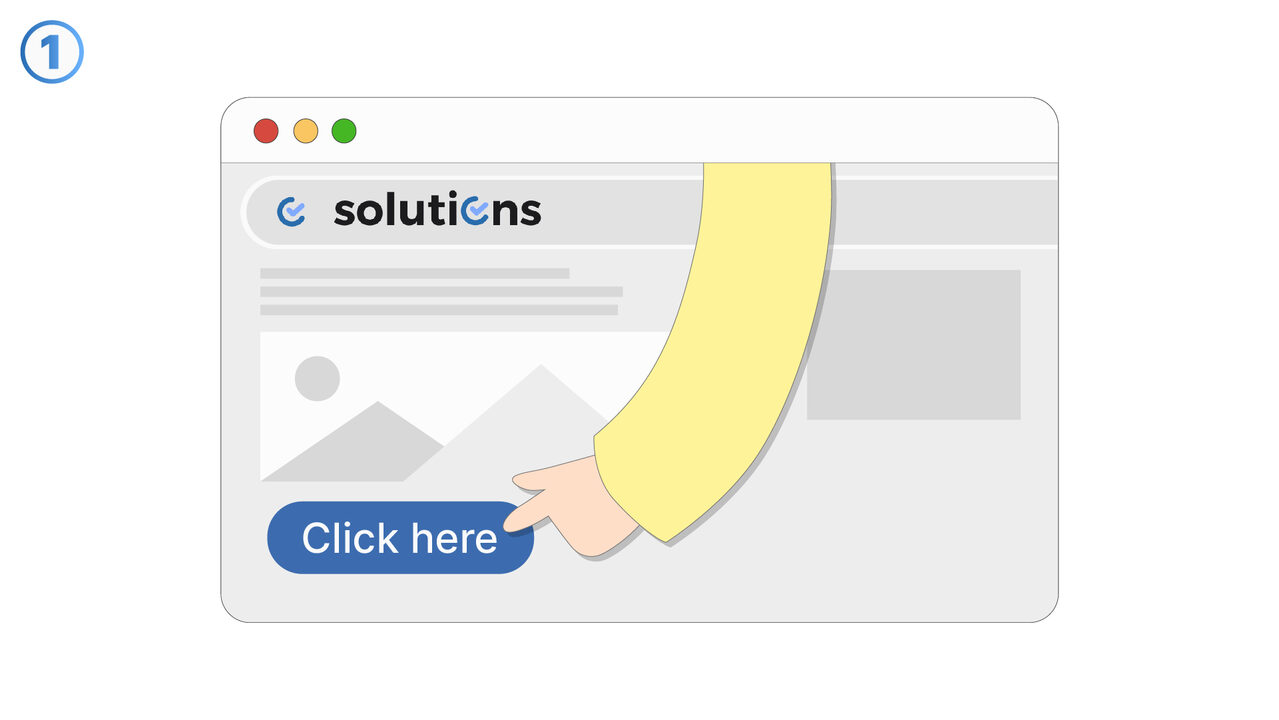
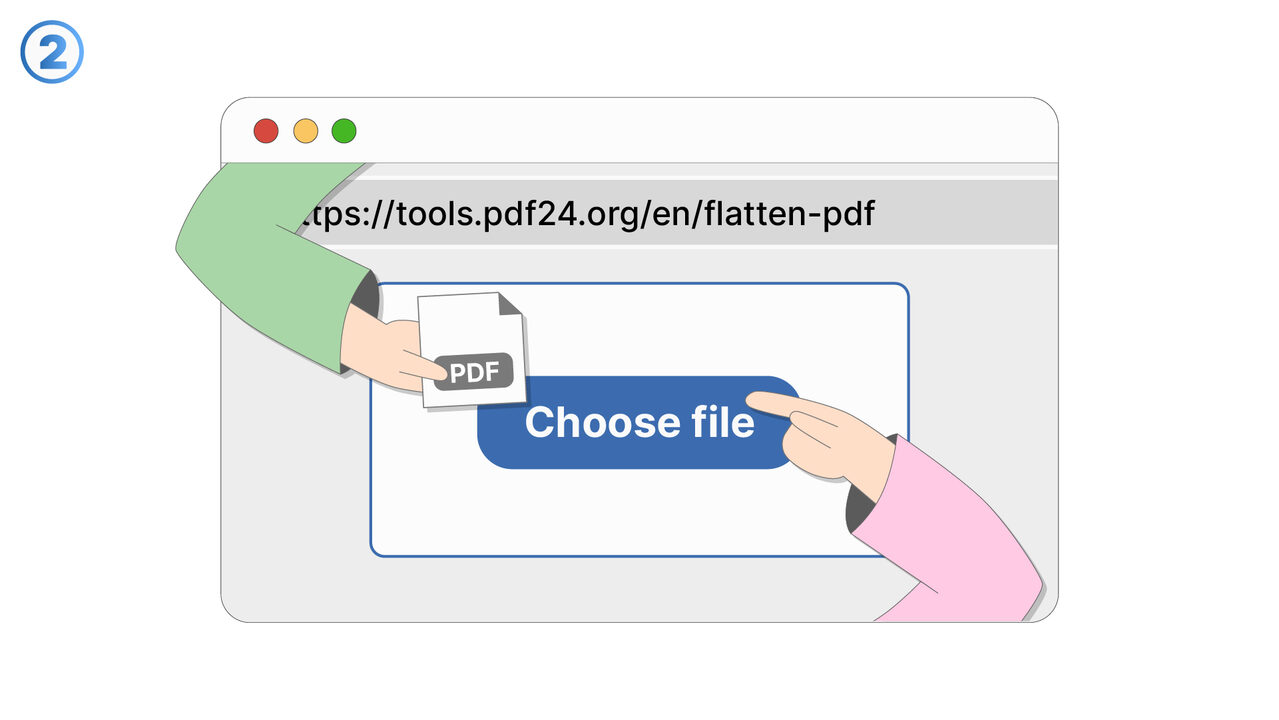
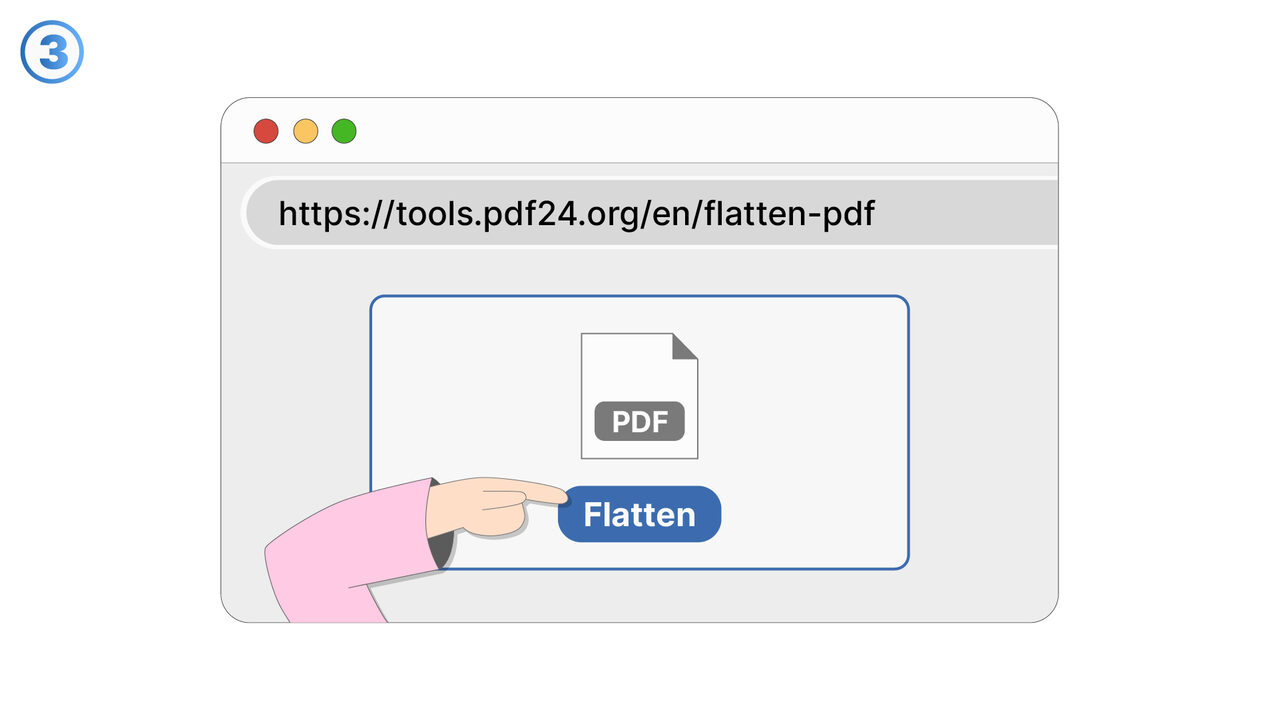
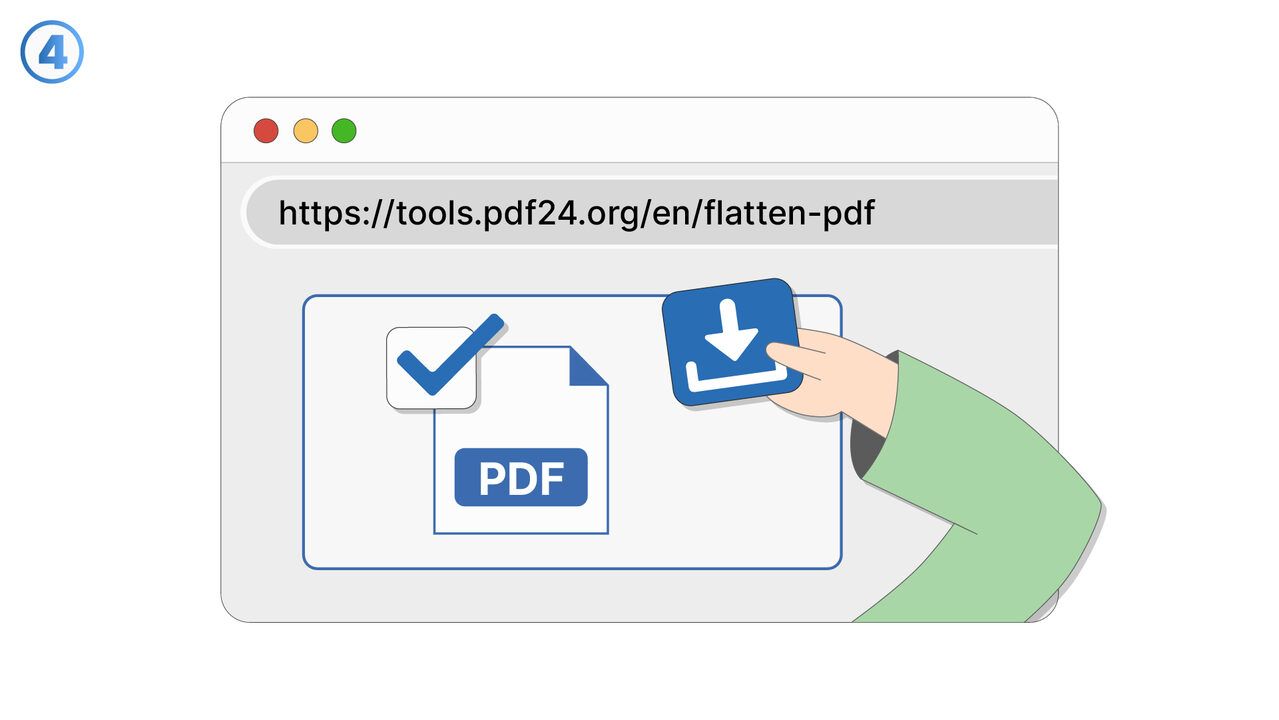
Try it
The Solution
This feature is designed for situations where you need to distribute a PDF but want to ensure recipients cannot modify form fields or change any part of the document. It allows you to deliver a final, controlled version of the PDF so the content remains consistent across all recipients. Use it before sending contracts, invoices, policies, reports, or any document where edits could cause confusion or risk. It reduces back-and-forth by clarifying that the document is intended for viewing or completion under controlled conditions, not arbitrary modification. It also helps maintain compliance and record-keeping by preserving an accurate copy of what was sent. This is especially useful when sharing standardized forms, official templates, or documents with sensitive wording. By limiting editing, you can prevent accidental changes such as overwritten text, altered checkboxes, or modified totals. The result is a more reliable document-sharing workflow and increased confidence that recipients are seeing the original content you intended.
External Resource
https://cross-service-solutions.com/
Use this tool as a solution to the following problems
- I’m seeing different results in different PDF viewers, and I need the document to look the same everywhere.
- I have a PDF with scripts or active elements that cause errors, and I need a stable version for sharing.
- I want to remove annotations and markup before distributing a finalized copy to clients.
- I’m submitting a PDF to a system that rejects interactive PDFs, and I need a compatible file.
- I need a PDF that prints reliably without unexpected pop-ups, field highlights, or viewer-specific behavior.
- I’m archiving documents and want a fixed representation that won’t change over time or across software updates.
- I need to prevent accidental edits to filled-in forms after they’ve been completed and approved.
- I want to eliminate active elements that could interfere with review, approval, or downstream processing.
Know a better solution? Let us know.
If you know of a tool or approach that could help people solve a problem we haven't covered yet, we'd love to hear about it.