
Unlock PDF
Unlock PDF removes a password from a PDF file so you can open and use it without being prompted. This helps you regain convenient access to documents you are authorized to use and share.
Overview
Unlock PDF
Unlock PDF is designed to remove password protection from a PDF file when you need easier access to its contents.
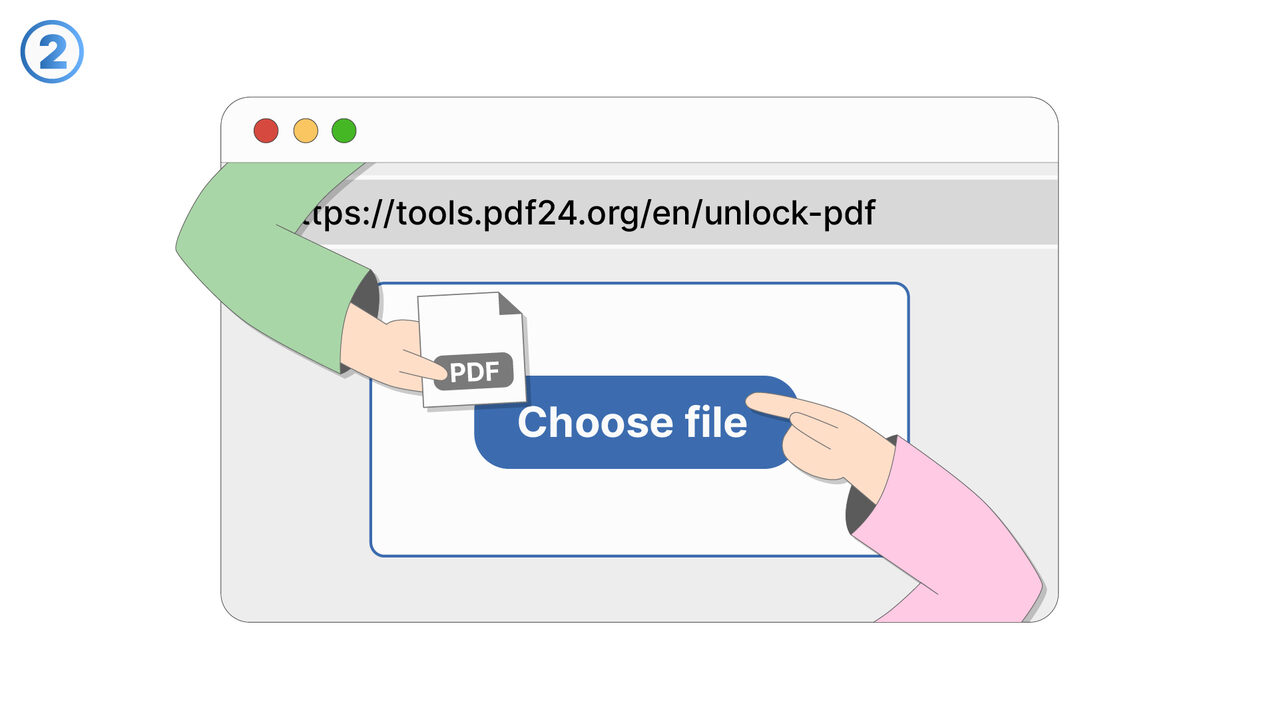
Use it by selecting a password-protected PDF and providing the correct password to authorize the unlock process.
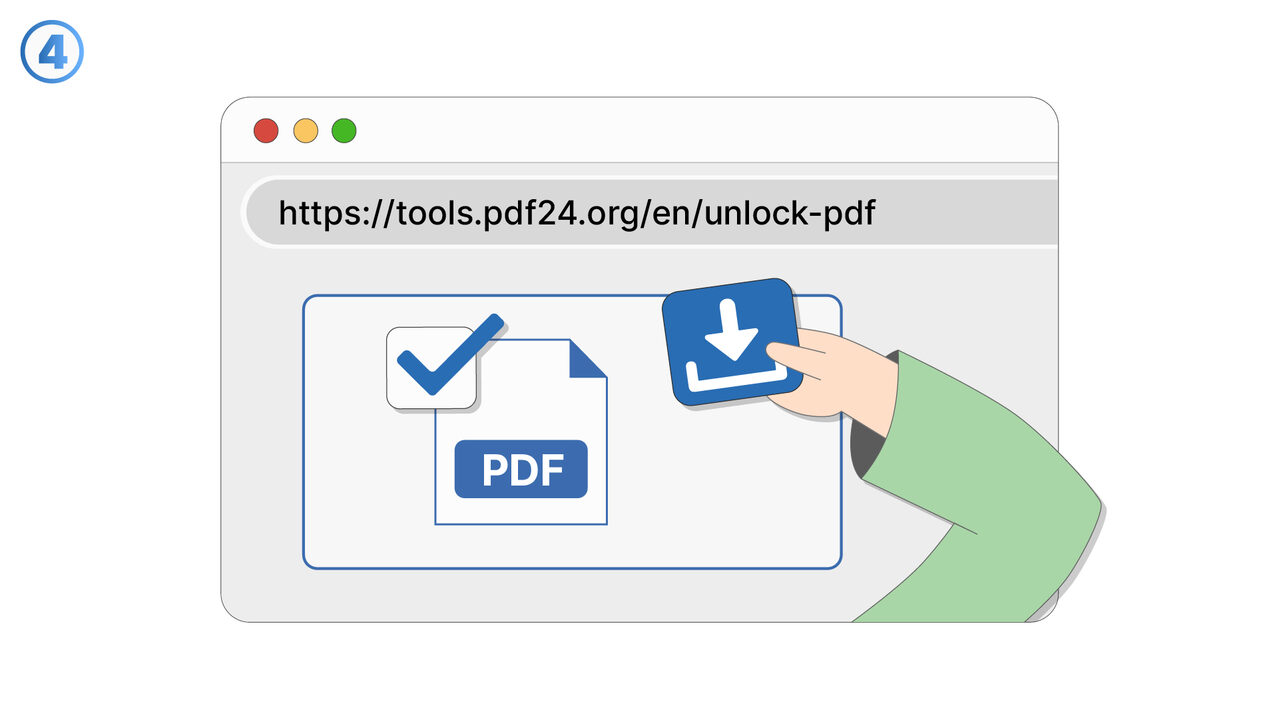
Once unlocked, the resulting PDF can be opened without entering a password each time.
This feature is useful for reducing friction when you repeatedly reference the same document during work or study.
It can also help streamline internal workflows by creating an accessible copy for permitted team use.
Unlock PDF supports common scenarios like removing a password from a file you created earlier or a document you have permission to manage.
It is especially helpful when printing, importing into other tools, or viewing on devices that do not handle password prompts smoothly.
The unlocked file can be stored for faster access while keeping the original protected version if needed.
Overall, Unlock PDF improves usability while ensuring the password is required to perform the unlock action.
Screenshots

Try it
Link To Tool
Find the solution to your problem via the following link.
External Resource
https://cross-service-solutions.com/
Opens in a new tab — external site not affiliated with MangoByte
Use this tool as a solution to the following problems
- I have a PDF I’m allowed to use, but I’m tired of typing the password every time I open it.
- I need to print a password-protected PDF, and the password prompt keeps interrupting the process.
- I want to import a secured PDF into another app, but it won’t work unless the password is removed.
- I’m sharing a PDF internally with people who are authorized, and I need a version that opens without a password.
- I saved a document with a password months ago, and now I want an unlocked copy for easier daily access.
- I’m trying to view a protected PDF on a device that doesn’t handle password prompts well.
- I need to combine this password-protected PDF with other PDFs, but it’s blocked until it’s unlocked.
- I have an approved workflow for this document, and password protection is slowing down routine processing.
- I want to archive a readable version of a PDF for quick reference while keeping the protected original.
Know a better solution? Let us know.
If you know of a tool or approach that could help people solve a problem we haven't covered yet, we'd love to hear about it.