
I need to print a password-protected PDF, and the password prompt keeps interrupting the process.
Solved by Unlock PDF
The Problem
Enable uninterrupted printing of password-protected PDFs by securely capturing the password once and reusing it for the entire print job. This reduces repeated password prompts and helps multi-copy or batch printing complete smoothly.
Screenshots

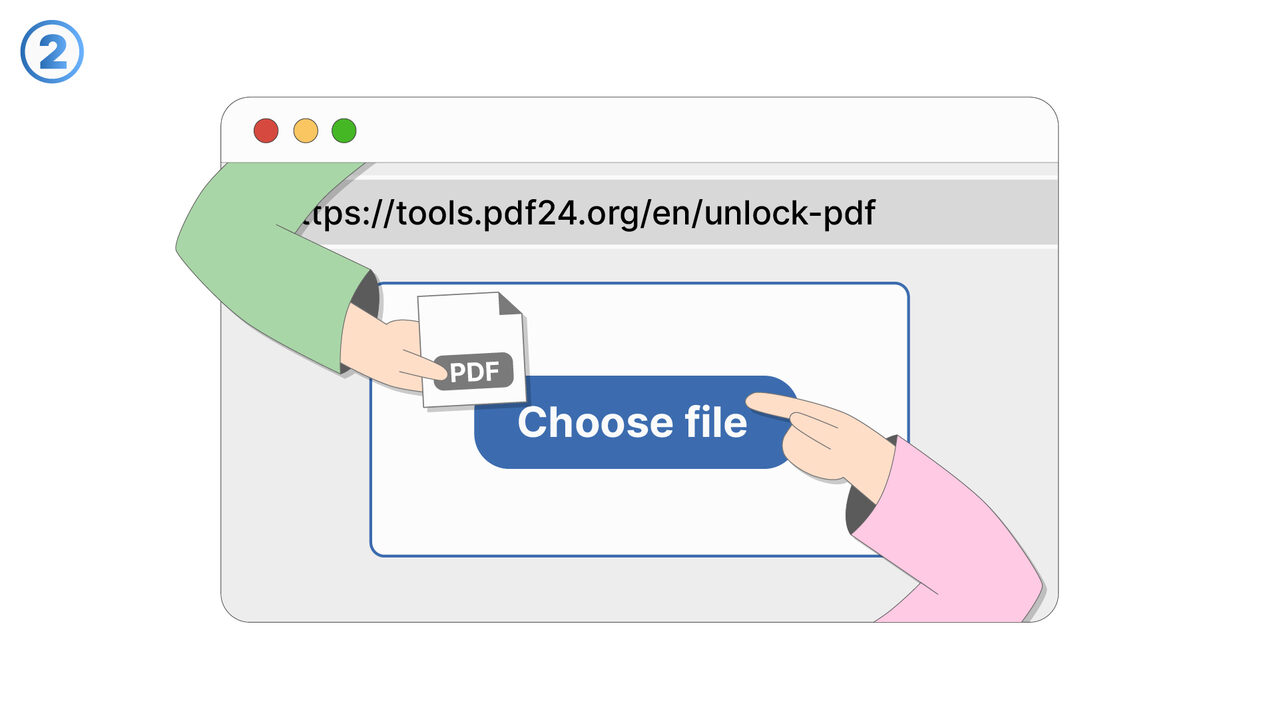
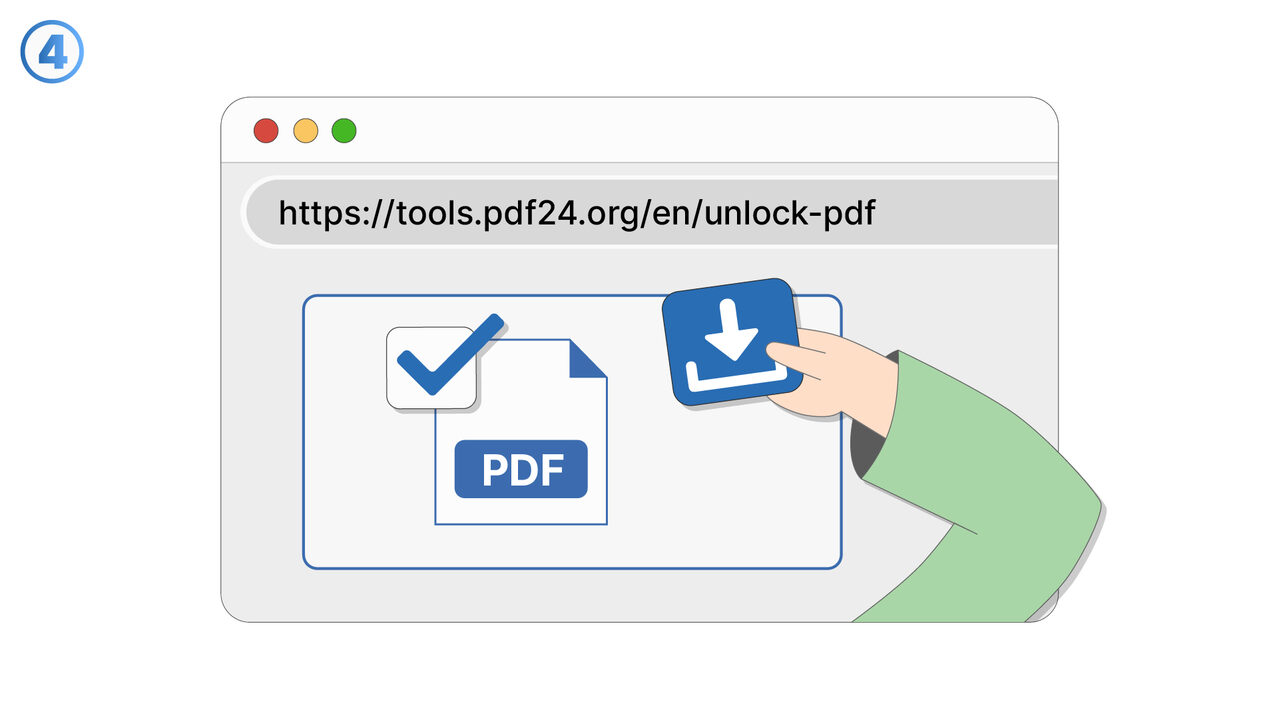
Try it
The Solution
This feature streamlines printing for password-protected PDF files by minimizing repeated password prompts during a single print workflow. When you start printing a protected PDF, you enter the password once, and the system uses it for the remainder of the job. This is especially helpful when printing multiple copies, selecting different page ranges, or restarting a print job due to printer issues. The feature reduces interruptions that can cause print queues to stall or require constant user attention. It also improves reliability for print operations initiated from automated flows or remote sessions where responding to repeated prompts is inconvenient. The password is handled securely for the active printing session and is not exposed in the printed output. Users benefit from faster completion of print tasks and fewer errors caused by missed prompts. Typical use cases include office environments printing protected invoices or reports, educational settings printing secured materials, and shared-device scenarios where print jobs must proceed without repeated interaction.
External Resource
https://cross-service-solutions.com/
Use this tool as a solution to the following problems
- I have a PDF I’m allowed to use, but I’m tired of typing the password every time I open it.
- I want to import a secured PDF into another app, but it won’t work unless the password is removed.
- I’m sharing a PDF internally with people who are authorized, and I need a version that opens without a password.
- I saved a document with a password months ago, and now I want an unlocked copy for easier daily access.
- I’m trying to view a protected PDF on a device that doesn’t handle password prompts well.
- I need to combine this password-protected PDF with other PDFs, but it’s blocked until it’s unlocked.
- I have an approved workflow for this document, and password protection is slowing down routine processing.
- I want to archive a readable version of a PDF for quick reference while keeping the protected original.
Know a better solution? Let us know.
If you know of a tool or approach that could help people solve a problem we haven't covered yet, we'd love to hear about it.