
I’m trying to view a protected PDF on a device that doesn’t handle password prompts well.
Solved by Unlock PDF
The Problem
This feature helps you access a password-protected PDF in situations where your device or viewer struggles to display or accept password prompts. It provides a smoother way to open the file so you can read or share it without repeated interruptions.
Screenshots

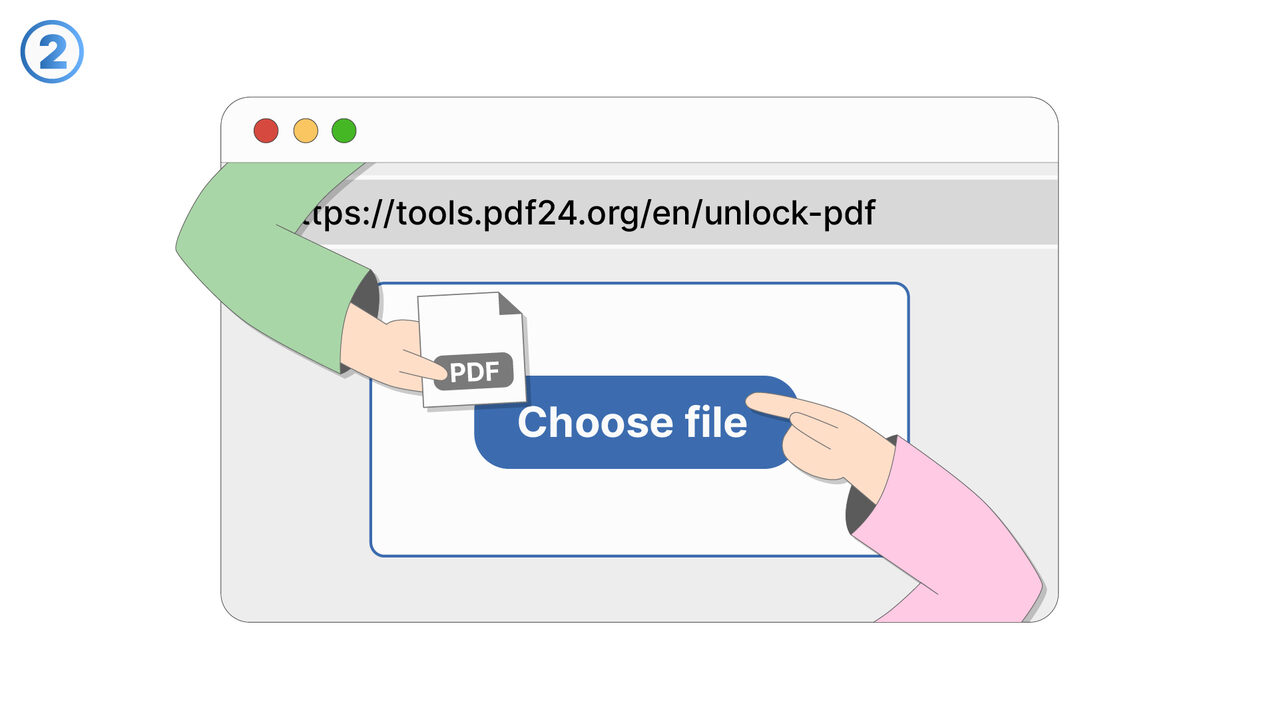
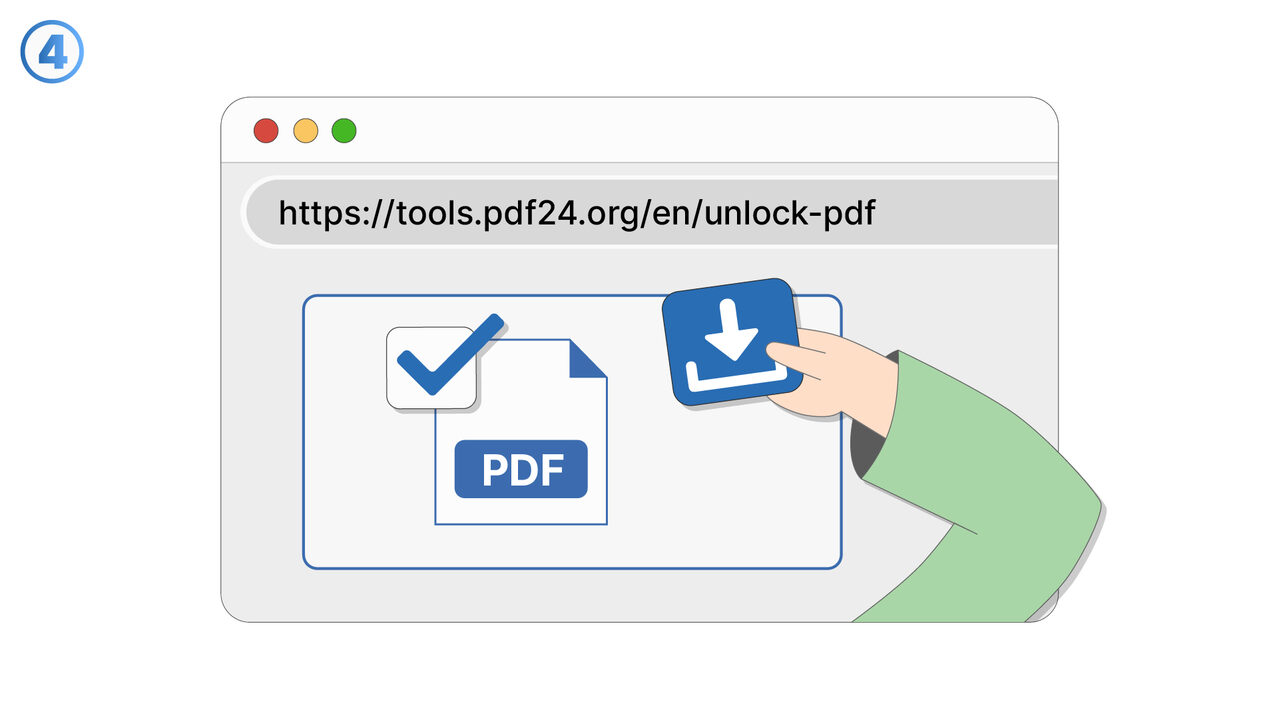
Try it
The Solution
This feature is designed for cases where a PDF is protected by a password but the device, browser, or built-in document viewer does not handle password prompts reliably. It helps you complete the unlock step in a more dependable way so the document can be viewed normally afterward. You use it when opening the PDF triggers no prompt, a broken prompt, or a loop that prevents access even with the correct password. The feature focuses on reducing friction when you need quick access on constrained devices such as older phones, e-readers, kiosk devices, or managed enterprise devices. It improves reliability by ensuring the password entry and validation step is handled in a way the device can complete successfully. Once access is granted, you can proceed to read the PDF as expected, without repeated failed prompts. This is useful for reviewing contracts, receipts, medical records, course materials, or travel documents while on the go. It also supports scenarios where you must access a protected PDF in low-support environments like in-app viewers or embedded webviews. The overall benefit is faster, less error-prone access to protected content when standard PDF password prompts are not usable.
External Resource
https://cross-service-solutions.com/
Use this tool as a solution to the following problems
- I have a PDF I’m allowed to use, but I’m tired of typing the password every time I open it.
- I need to print a password-protected PDF, and the password prompt keeps interrupting the process.
- I want to import a secured PDF into another app, but it won’t work unless the password is removed.
- I’m sharing a PDF internally with people who are authorized, and I need a version that opens without a password.
- I saved a document with a password months ago, and now I want an unlocked copy for easier daily access.
- I need to combine this password-protected PDF with other PDFs, but it’s blocked until it’s unlocked.
- I have an approved workflow for this document, and password protection is slowing down routine processing.
- I want to archive a readable version of a PDF for quick reference while keeping the protected original.
Know a better solution? Let us know.
If you know of a tool or approach that could help people solve a problem we haven't covered yet, we'd love to hear about it.