
I have a PDF I’m allowed to use, but I’m tired of typing the password every time I open it.
Solved by Unlock PDF
The Problem
Let users securely remember a PDF’s password after the first successful entry so they don’t have to retype it every time they open the file. This reduces repeated friction while keeping access limited to authorized users on the same device/account.
Screenshots

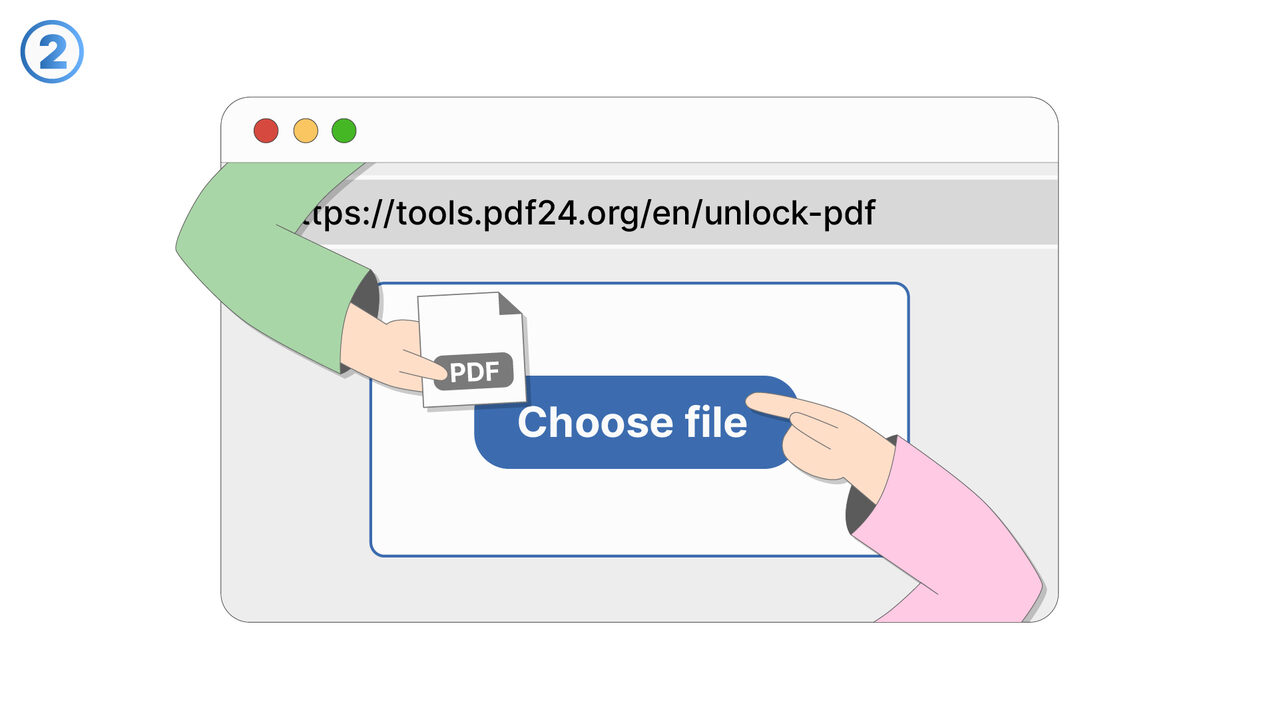
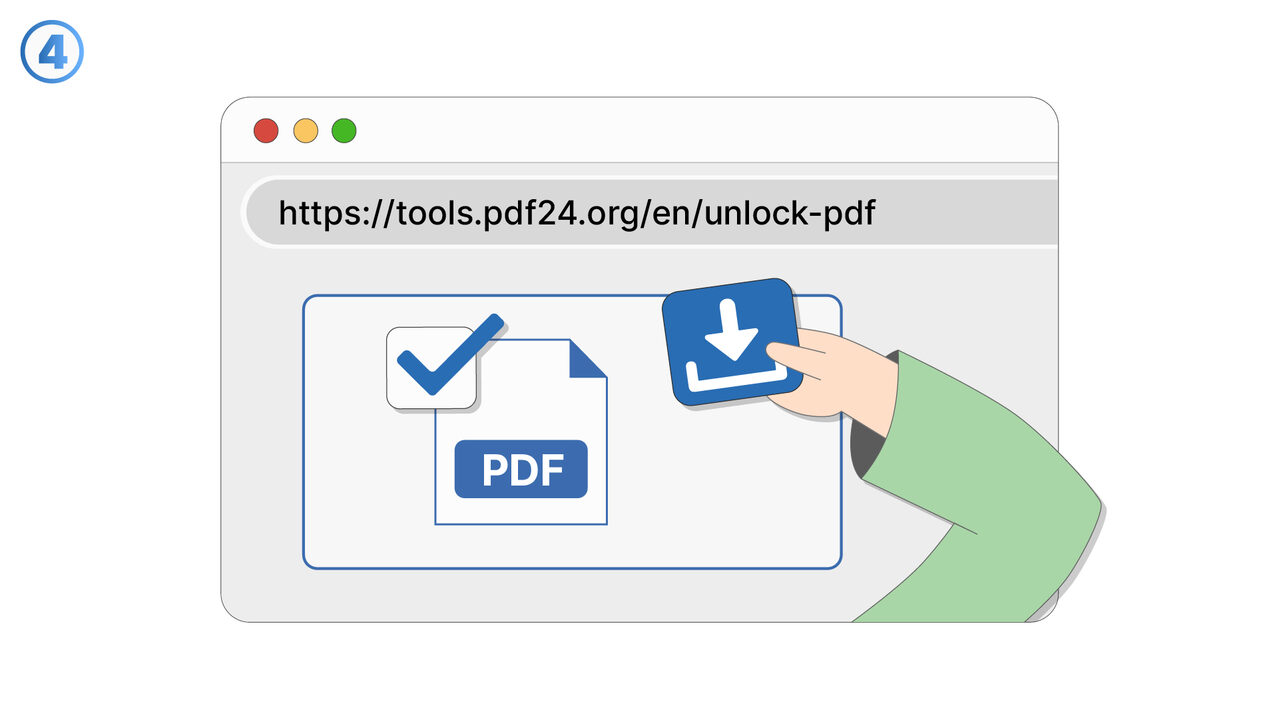
Try it
The Solution
This feature helps authorized users avoid repeatedly typing a password for the same protected PDF. After a user successfully opens a password-protected PDF once, they can choose to save the password for future openings. On subsequent opens, the PDF unlocks automatically (or with a minimal confirmation step), depending on the user’s security settings. Saved passwords are stored securely and are only used for the specific document they were entered for. Users can manage saved passwords at any time, including removing a saved password for a single PDF or clearing all saved PDF passwords. The feature supports common workflows such as frequently referenced manuals, course materials, financial statements, or internal company documents that the user is permitted to access. It improves productivity by reducing repeated interruptions, especially when opening the same document multiple times a day. It also supports shared-device scenarios by allowing users to opt out of saving passwords and requiring entry each time. Overall, the feature balances convenience and security by keeping control in the user’s hands while minimizing repetitive password entry.
External Resource
https://cross-service-solutions.com/
Use this tool as a solution to the following problems
- I need to print a password-protected PDF, and the password prompt keeps interrupting the process.
- I want to import a secured PDF into another app, but it won’t work unless the password is removed.
- I’m sharing a PDF internally with people who are authorized, and I need a version that opens without a password.
- I saved a document with a password months ago, and now I want an unlocked copy for easier daily access.
- I’m trying to view a protected PDF on a device that doesn’t handle password prompts well.
- I need to combine this password-protected PDF with other PDFs, but it’s blocked until it’s unlocked.
- I have an approved workflow for this document, and password protection is slowing down routine processing.
- I want to archive a readable version of a PDF for quick reference while keeping the protected original.
Know a better solution? Let us know.
If you know of a tool or approach that could help people solve a problem we haven't covered yet, we'd love to hear about it.