
I need to combine this password-protected PDF with other PDFs, but it’s blocked until it’s unlocked.
Solved by Unlock PDF
The Problem
This feature explains that password-protected PDFs must be unlocked before they can be combined with other PDFs. Once unlocked with the correct password, the file can be merged like any other PDF, enabling smooth document assembly.
Screenshots

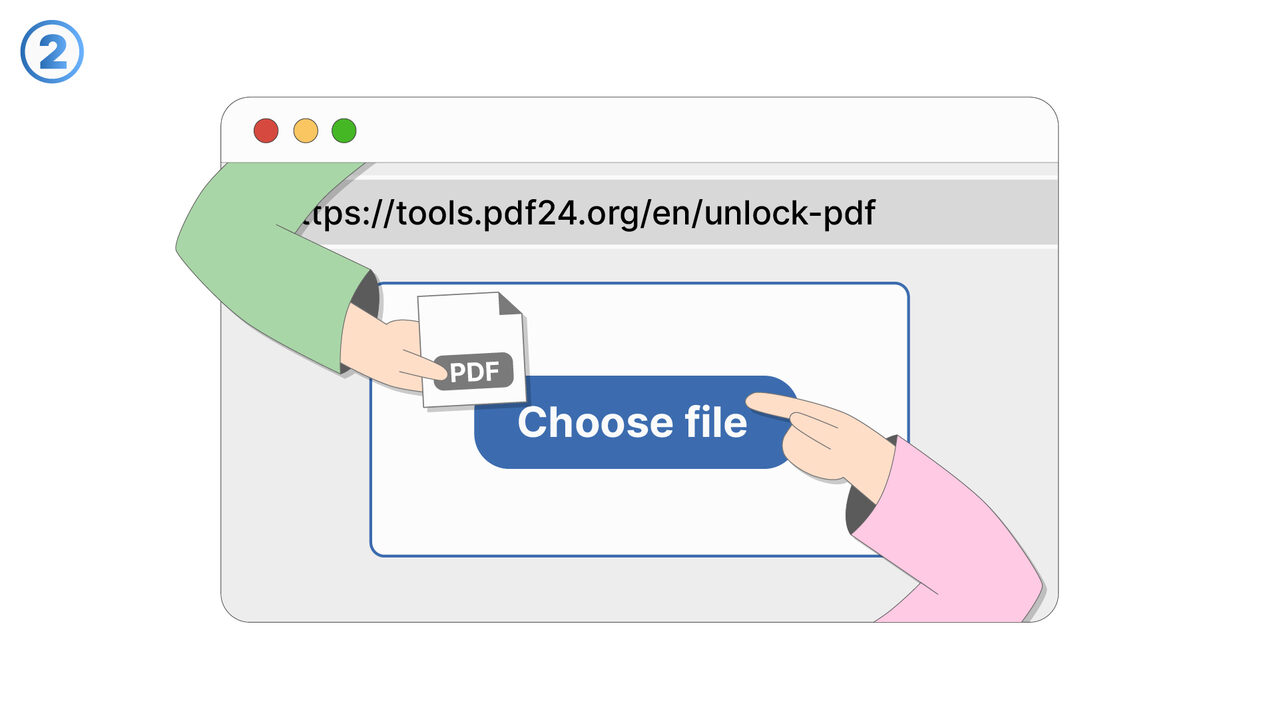
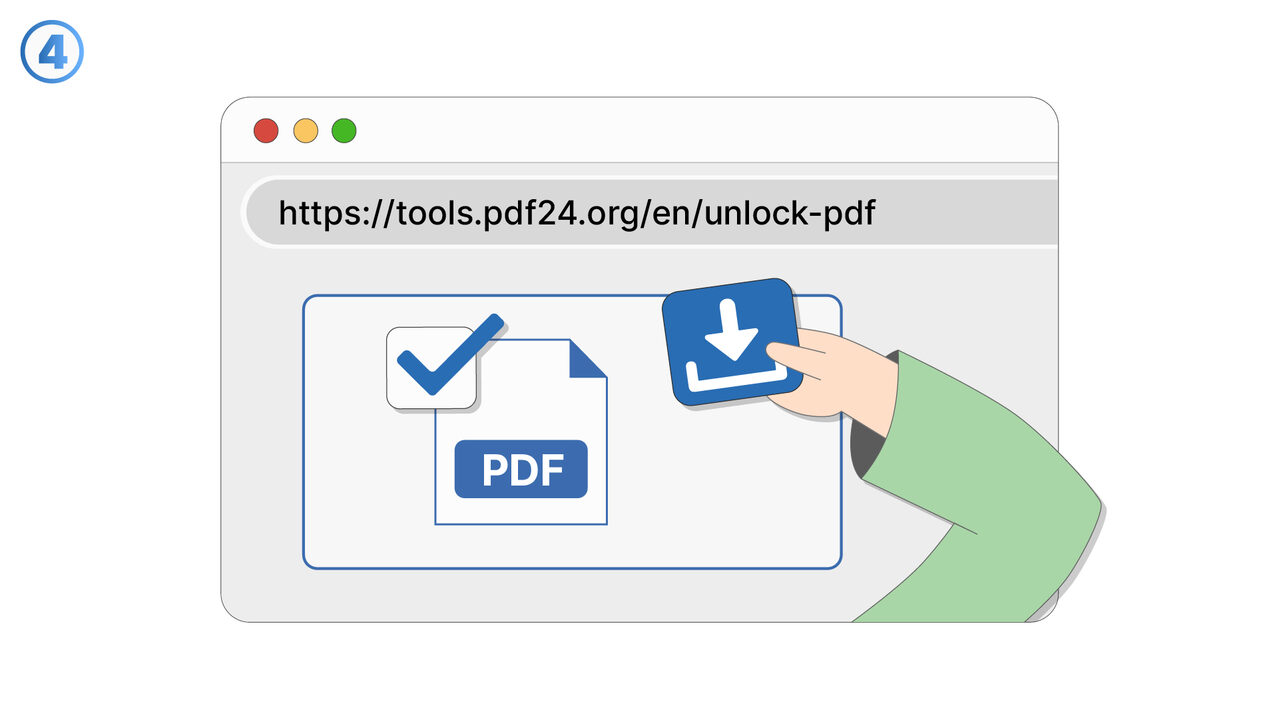
Try it
The Solution
When a PDF is password-protected, its contents are restricted until it is unlocked using the correct password. If you try to combine or merge a locked PDF with other PDFs, the process may be blocked because the file cannot be accessed for editing. To proceed, first unlock the protected PDF by entering its password and confirming that you have permission to modify or extract its pages. After the PDF is successfully unlocked, you can add it to your merge workflow alongside other PDFs. This helps ensure the combined document includes all required pages in the correct order without errors or skipped files. It also prevents accidental processing of content you are not authorized to handle. This is useful when assembling packets, reports, or multi-source documentation that includes a secured file. It is especially helpful for teams that receive password-protected PDFs from clients, vendors, or internal systems and need to compile final deliverables. If you do not know the password, you will need to request it from the document owner before combining can continue.
External Resource
https://cross-service-solutions.com/
Use this tool as a solution to the following problems
- I have a PDF I’m allowed to use, but I’m tired of typing the password every time I open it.
- I need to print a password-protected PDF, and the password prompt keeps interrupting the process.
- I want to import a secured PDF into another app, but it won’t work unless the password is removed.
- I’m sharing a PDF internally with people who are authorized, and I need a version that opens without a password.
- I saved a document with a password months ago, and now I want an unlocked copy for easier daily access.
- I’m trying to view a protected PDF on a device that doesn’t handle password prompts well.
- I have an approved workflow for this document, and password protection is slowing down routine processing.
- I want to archive a readable version of a PDF for quick reference while keeping the protected original.
Know a better solution? Let us know.
If you know of a tool or approach that could help people solve a problem we haven't covered yet, we'd love to hear about it.