
I want to import a secured PDF into another app, but it won’t work unless the password is removed.
Solved by Unlock PDF
The Problem
This feature helps you remove password protection from a secured PDF so it can be imported into other applications that do not accept encrypted files. It streamlines sharing and reuse of your document while keeping the process straightforward and controlled.
Screenshots

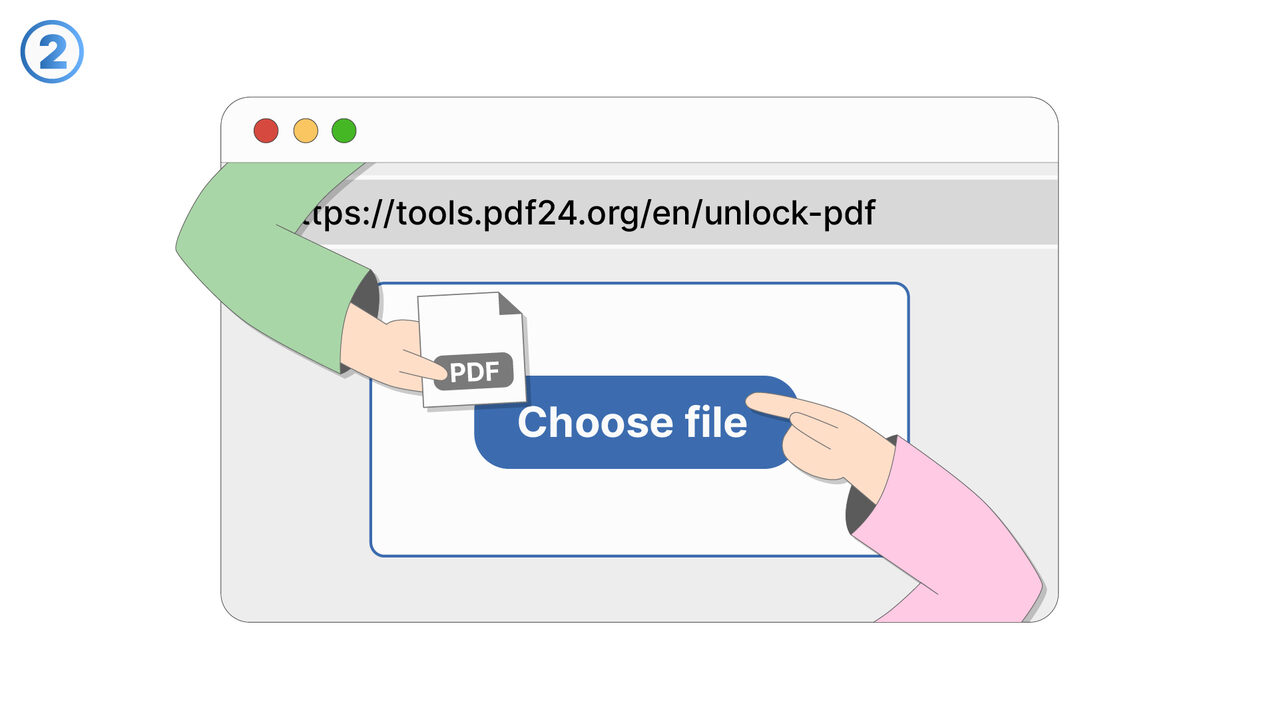
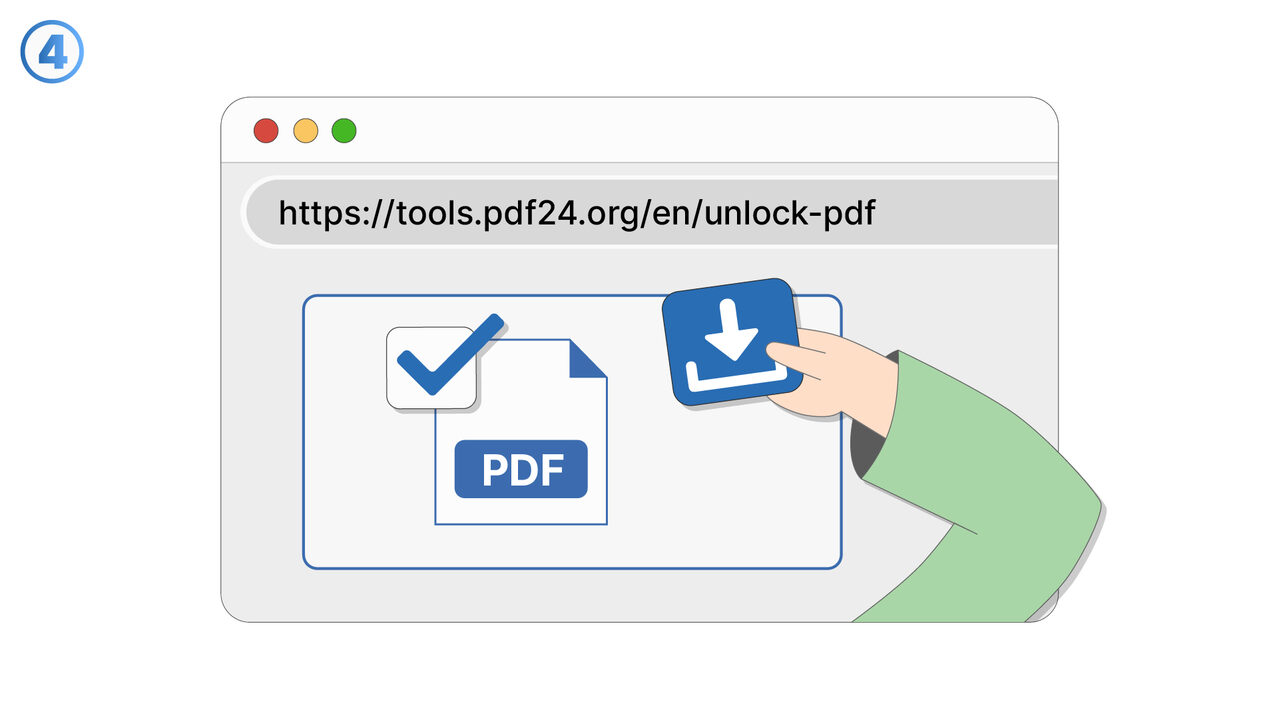
Try it
The Solution
Some apps cannot open or import PDFs that are protected by a password, even when you know the password. This feature lets you unlock a secured PDF and create an unprotected copy that is compatible with those apps. You start by selecting the protected PDF and entering the correct password to authorize the change. After verification, the tool produces a new PDF without password restrictions, leaving the original file unchanged. The resulting file can then be imported into third-party tools such as editors, signing platforms, annotation apps, or document management systems. This is useful when you need to combine the PDF with other files, run OCR, extract pages, or upload it to a service that blocks encrypted documents. It can also help in workflows where automation or batch processing fails due to password prompts. By removing the password only when necessary, you can reduce friction while maintaining control over what version you share. The feature is intended for documents you own or have permission to modify and redistribute in unprotected form.
External Resource
https://cross-service-solutions.com/
Use this tool as a solution to the following problems
- I have a PDF I’m allowed to use, but I’m tired of typing the password every time I open it.
- I need to print a password-protected PDF, and the password prompt keeps interrupting the process.
- I’m sharing a PDF internally with people who are authorized, and I need a version that opens without a password.
- I saved a document with a password months ago, and now I want an unlocked copy for easier daily access.
- I’m trying to view a protected PDF on a device that doesn’t handle password prompts well.
- I need to combine this password-protected PDF with other PDFs, but it’s blocked until it’s unlocked.
- I have an approved workflow for this document, and password protection is slowing down routine processing.
- I want to archive a readable version of a PDF for quick reference while keeping the protected original.
Know a better solution? Let us know.
If you know of a tool or approach that could help people solve a problem we haven't covered yet, we'd love to hear about it.